Learn Breme
Step-by-step guides, from your first project to a finished production.
Start with your first projectStart here
Create
Make images, video, and sound
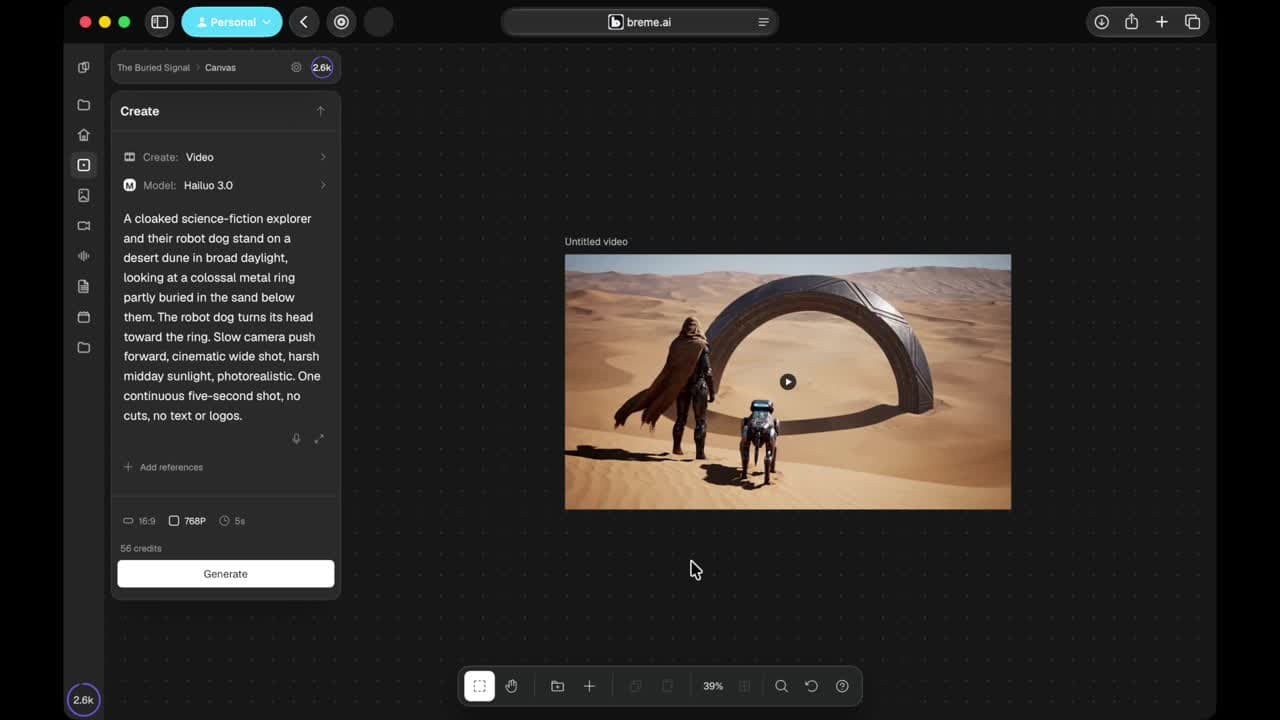
Make your first AI video
Describe a shot, generate a clip on your project canvas, and export the result
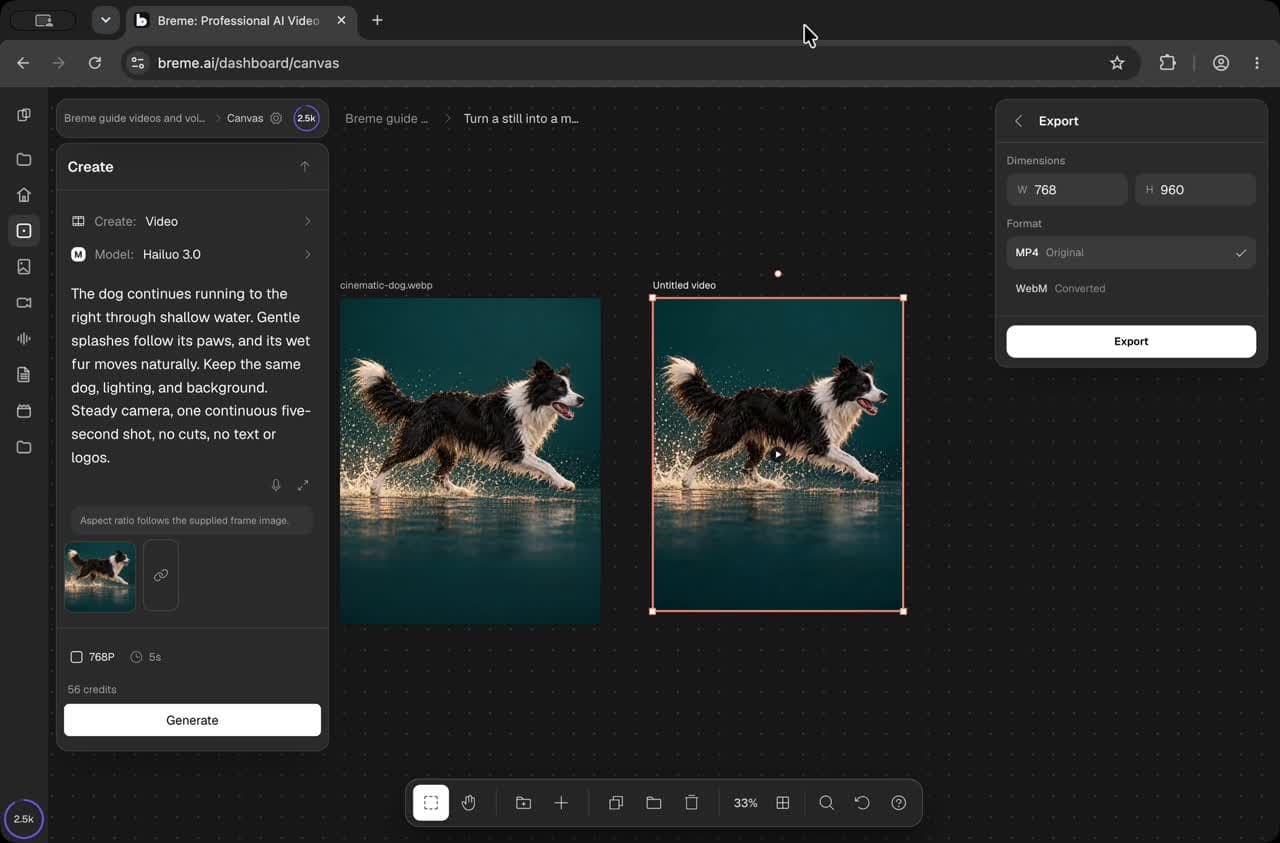
Turn a still into a moving shot
Animate an existing image, review the moving shot, and open its export options
Score and finish a clip
Generate a soundtrack, export your media, and finish the mix in a video editor
Generate a music track
Generate music in your project and export a separate audio file
Write a prompt that works
Describe the subject, action, framing, style, and mood, then refine the result
Editing
Fix, refine, and finish what you made
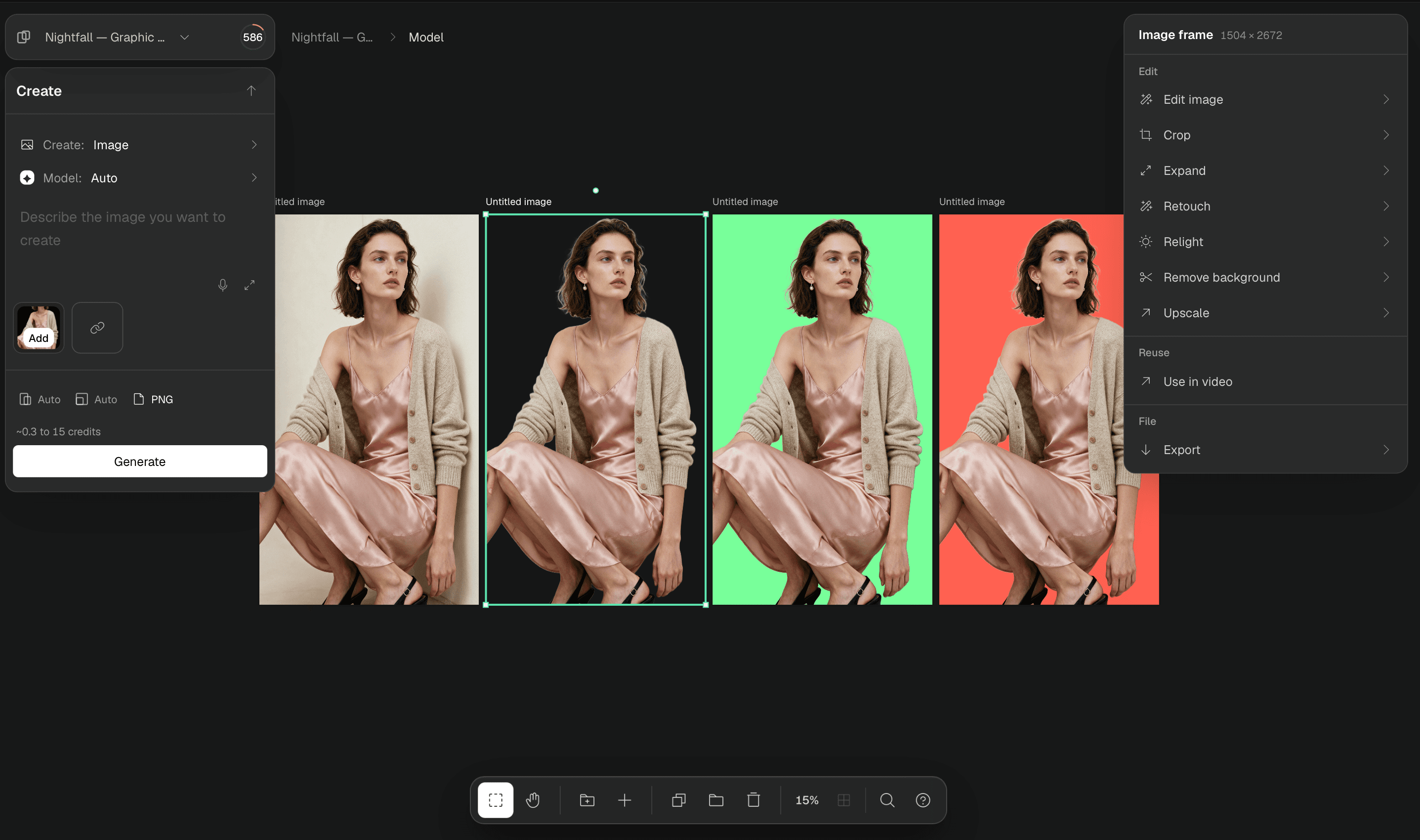
Remove a background
Isolate an image subject, change its background color, or export a transparent cutout
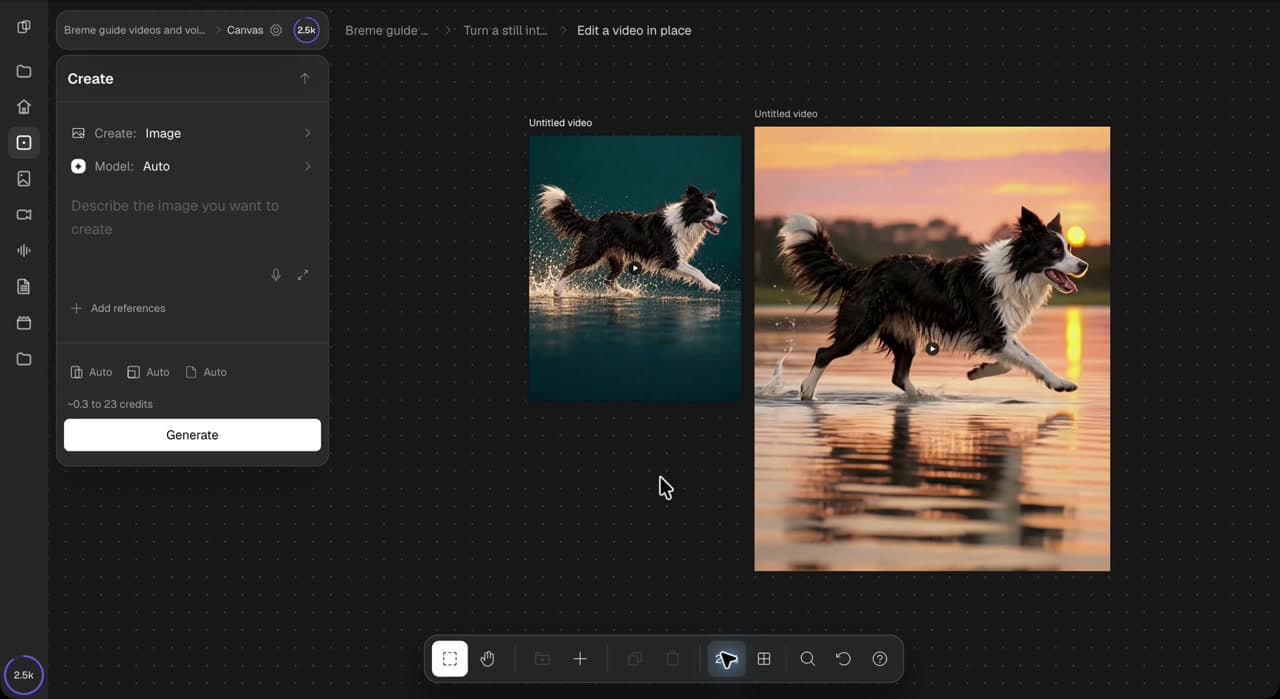
Edit a video in place
Use an existing clip as the source for a new video edit on your canvas
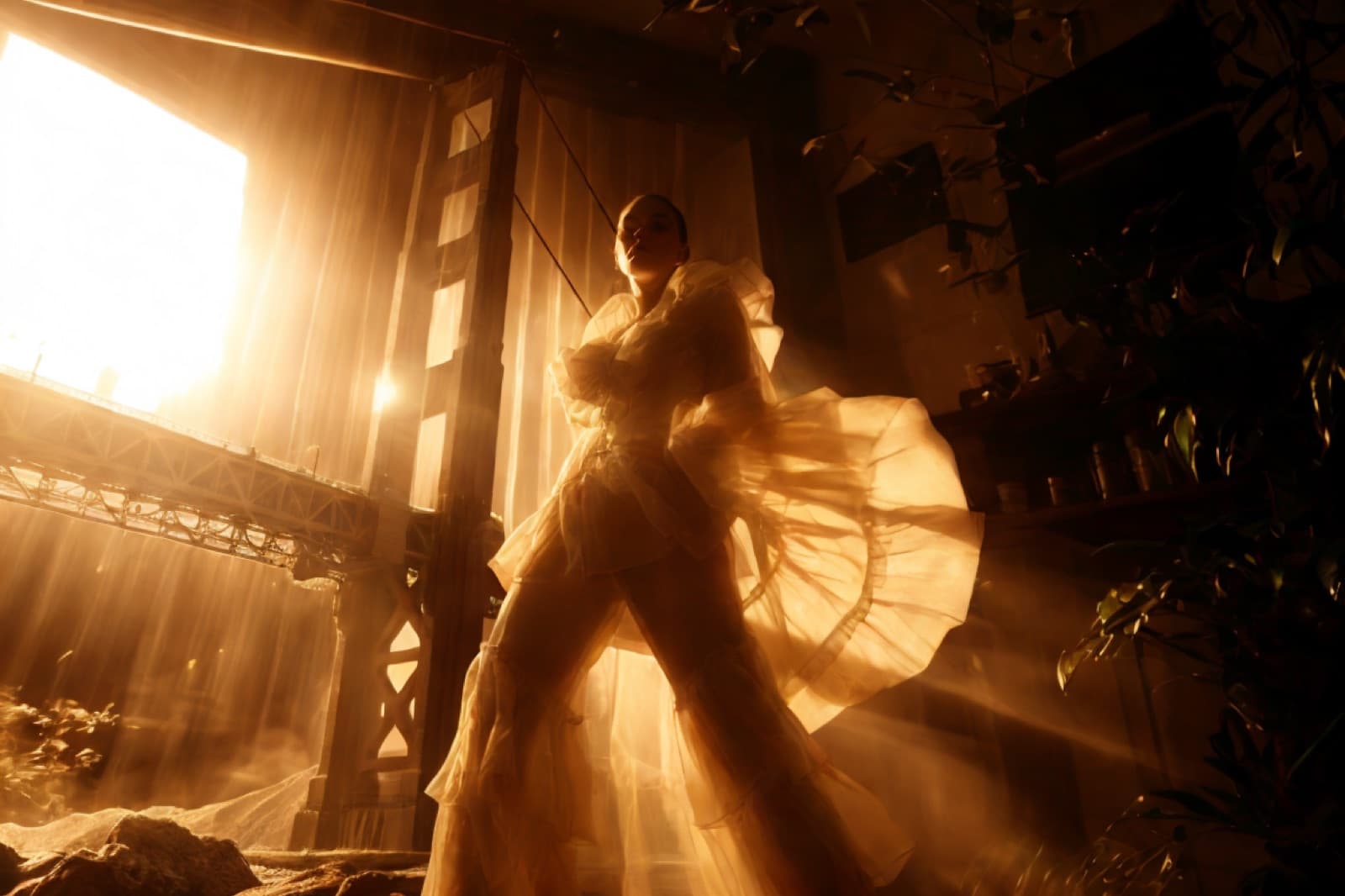
Relight an image
Generate a new lighting treatment from an existing image
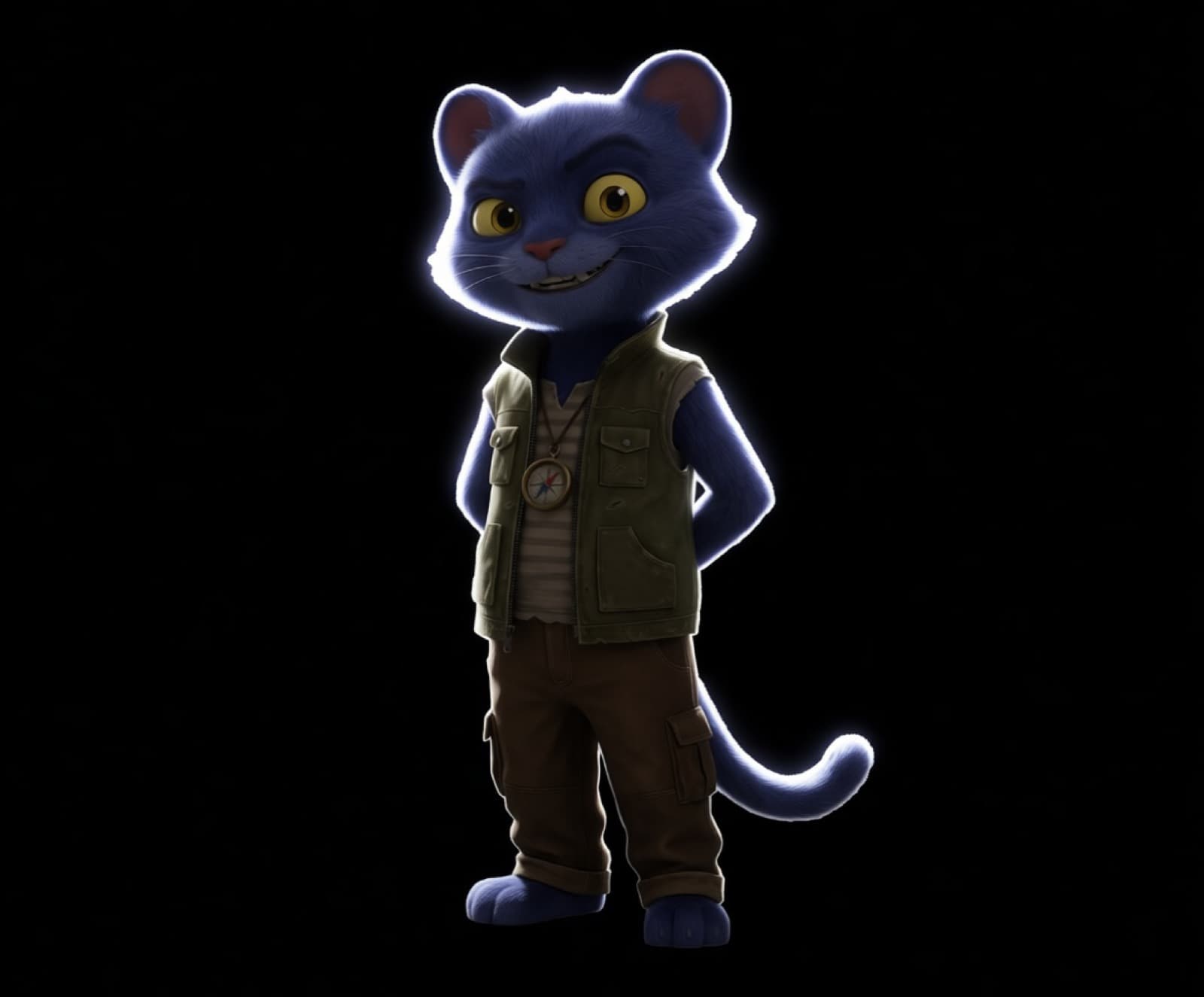
Inpaint part of an image
Select an area on Canvas and generate a replacement from a prompt
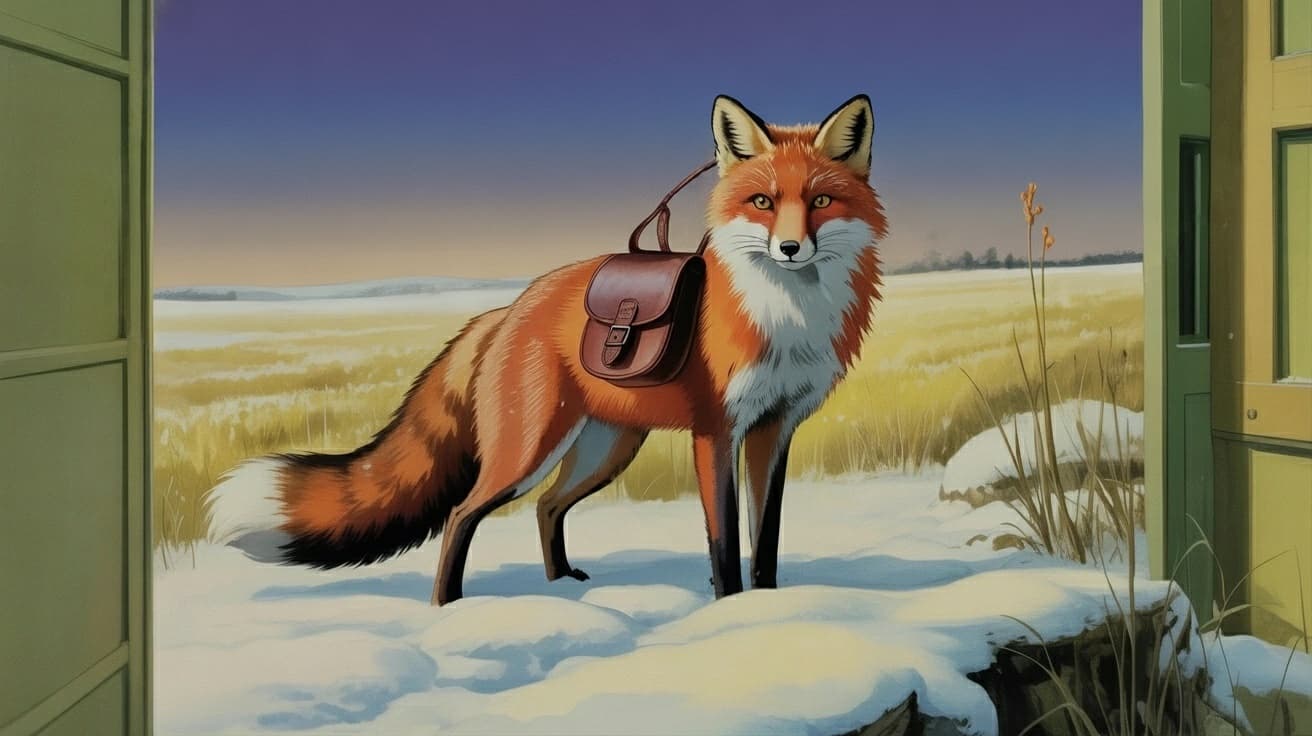
Change a scene with a prompt
Describe a whole-image edit and review a new result on Canvas
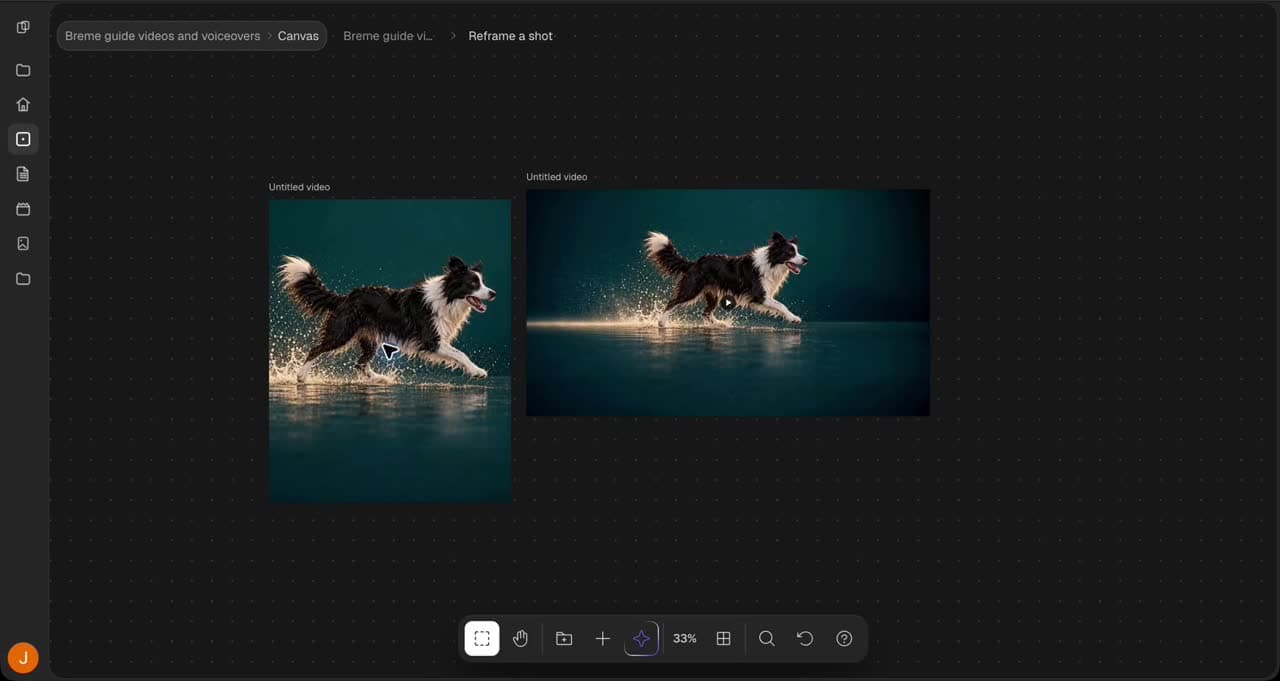
Reframe a shot
Turn a portrait video into a landscape shot with Luma Reframe
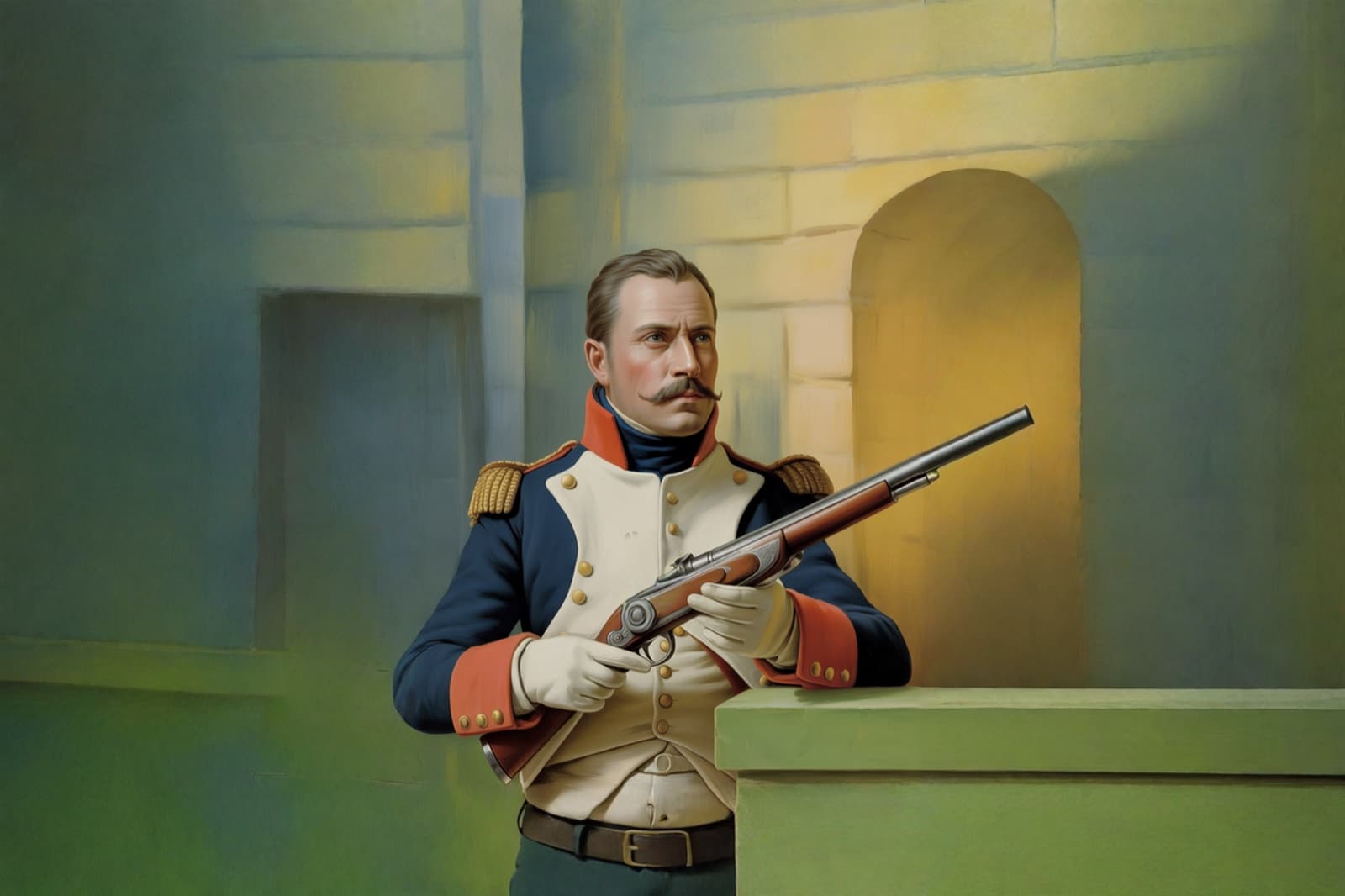
Expand the frame
Generate additional image area beyond the source edges
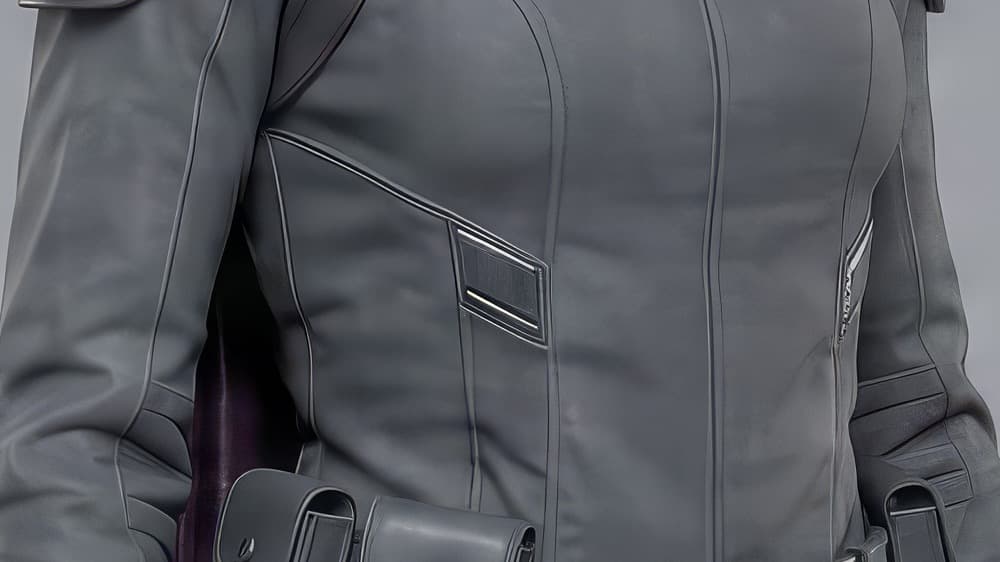
Upscale to high resolution
Create a larger image result and inspect its detail before export
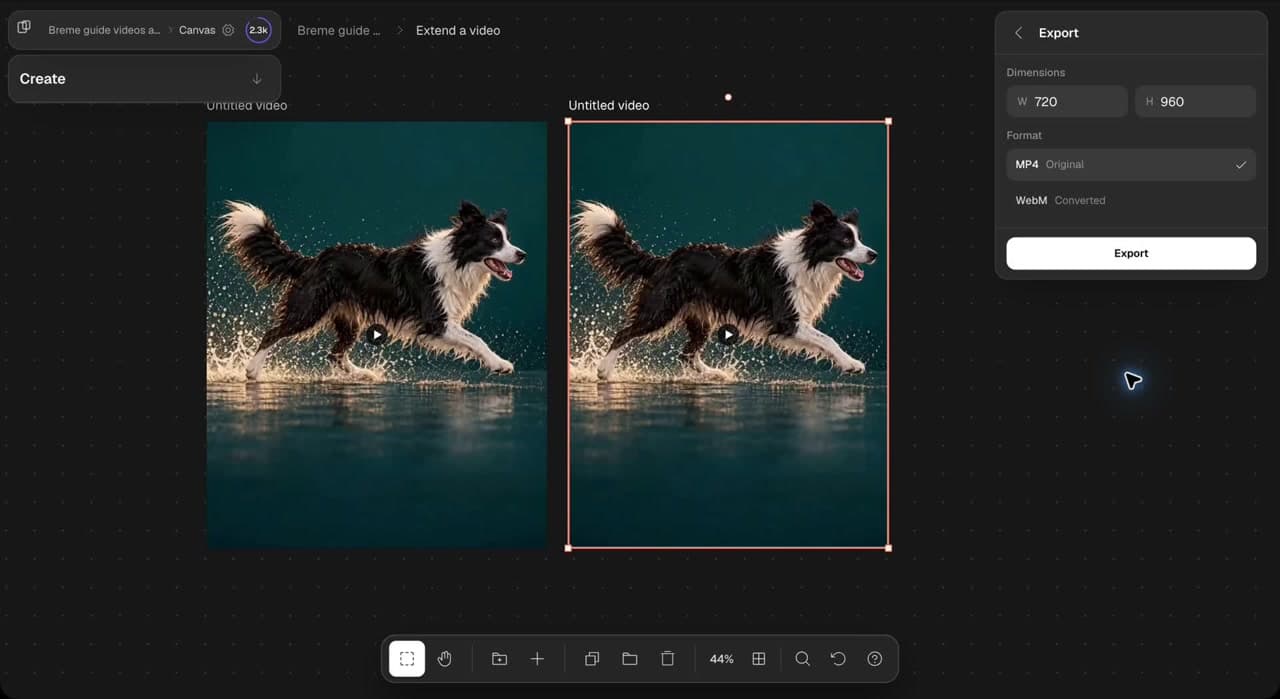
Extend a video
Generate a continuation from an existing clip and review the new result
Enhance audio
Process an audio recording and compare a separate enhanced result
Direction
Plan and direct a whole production