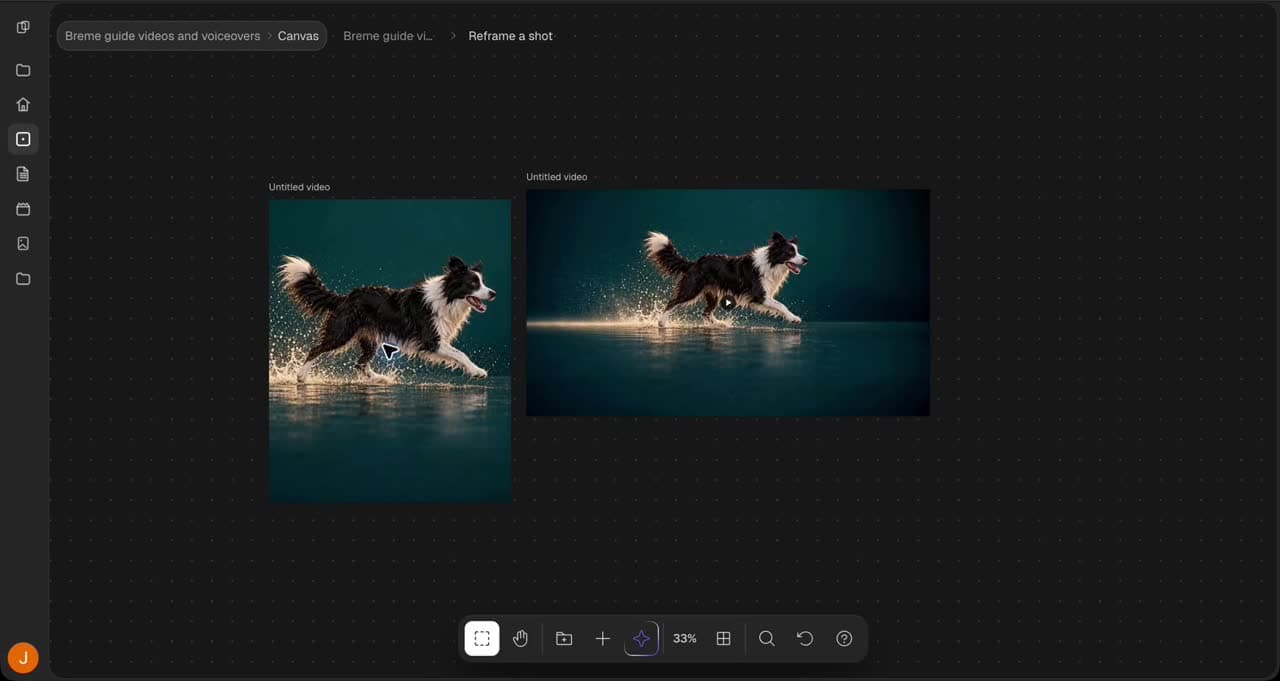
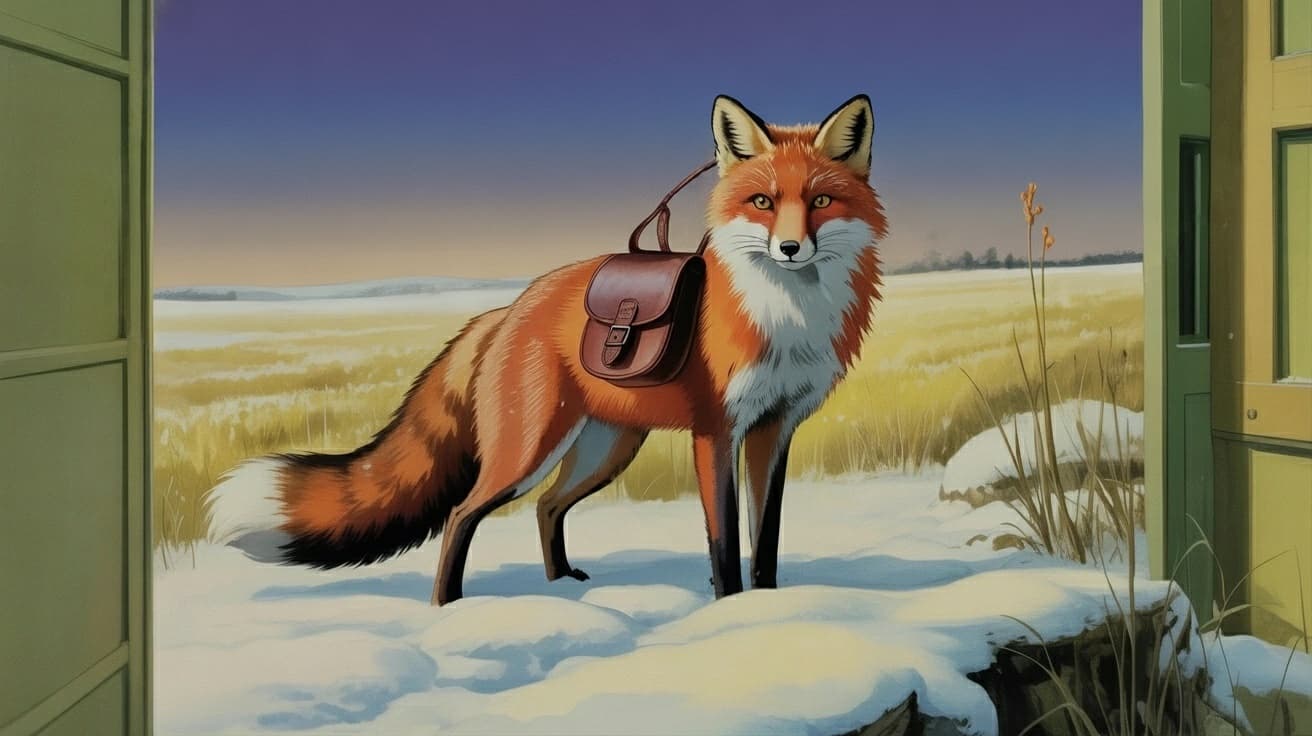
Expand the frame
Generate additional image area beyond the source edges
To expand an image in Breme, select a completed image frame in Canvas and choose Expand. Adjust the target frame beyond the source bounds or select a target aspect ratio. Describe the added scene where needed, choose a compatible model, review the credit cost, and press Generate. Inspect the new image before exporting.
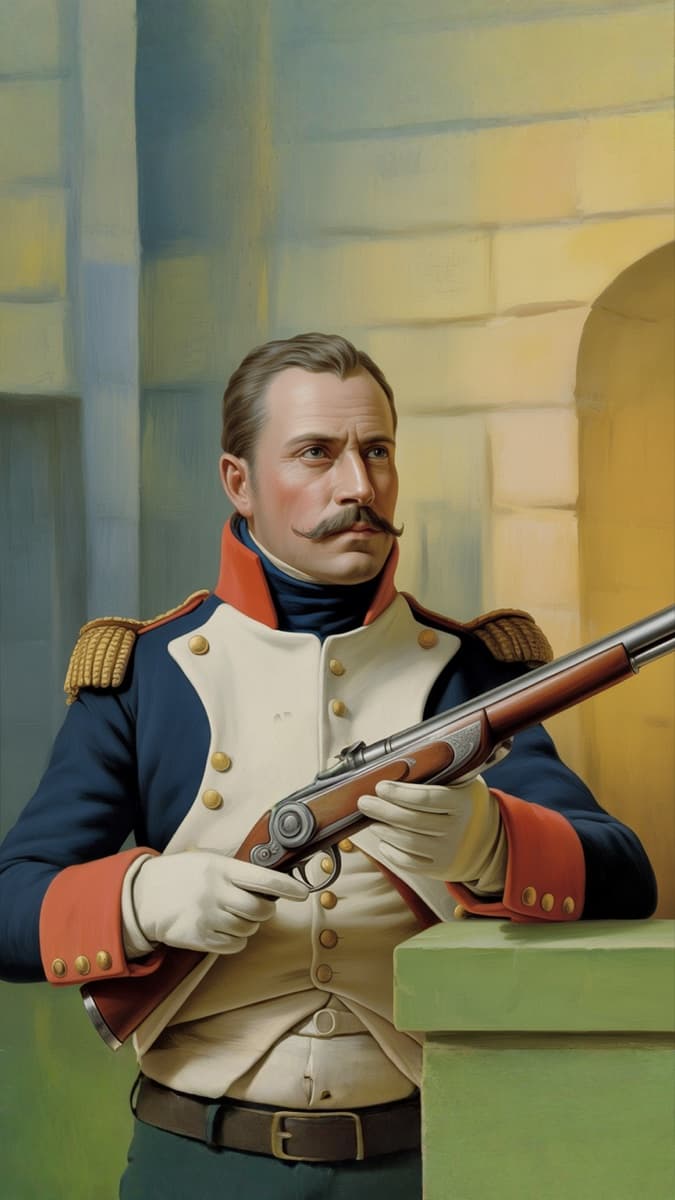
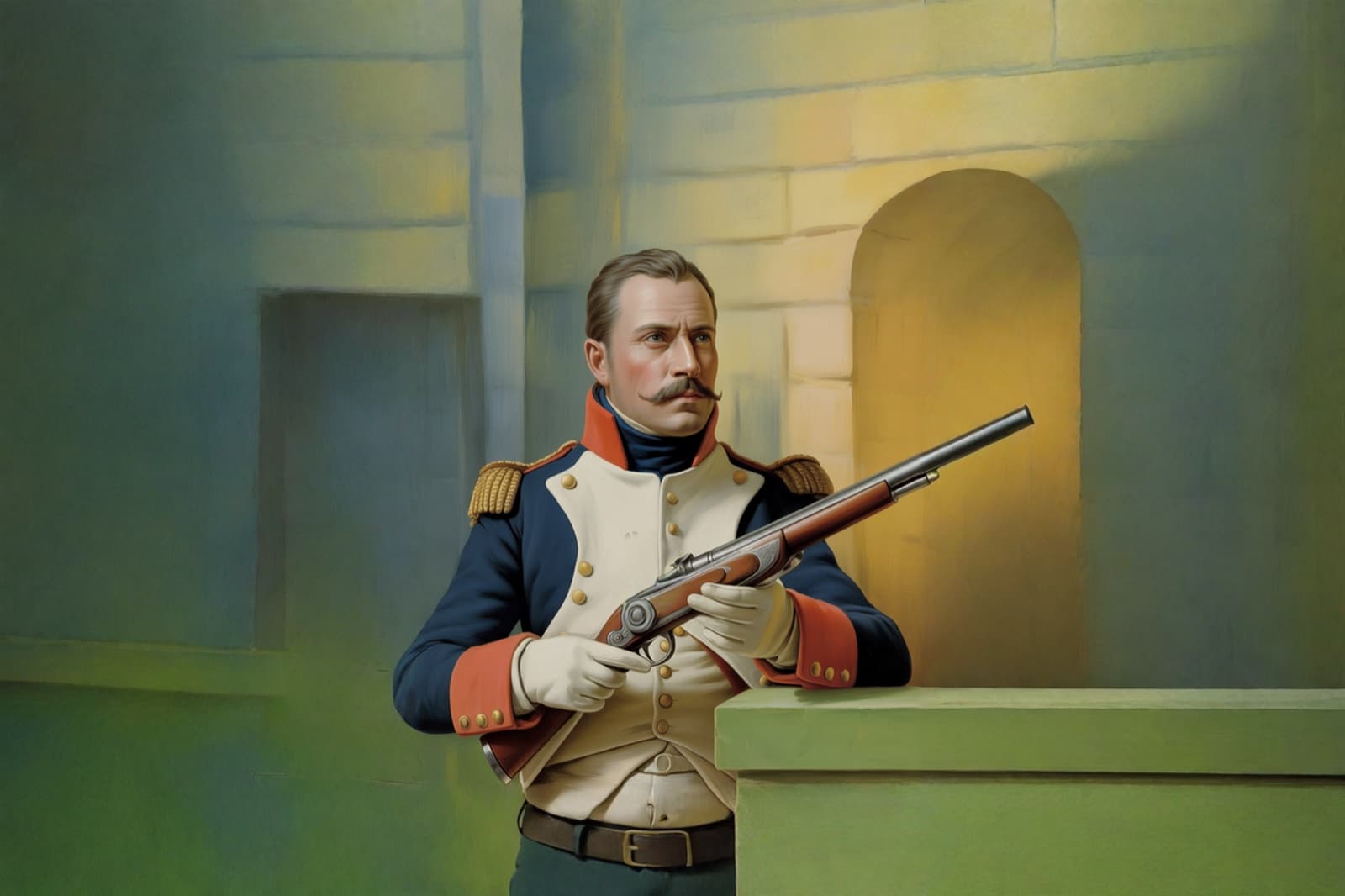
Select an image
Open Canvas in your project and select a completed image frame. Choose Expand in the image actions panel.
Set the target frame
Choose a target aspect ratio or adjust the freeform frame beyond the source edges. Describe the scenery you want in the new area and choose a compatible model. Review the target frame and credit cost.
Generate, inspect, and export
Press Generate and wait for the new image frame. Check the added area and important source details. Select the preferred result, choose Export, select an image format, and press Export.
Common questions
Features in this guide: Expand & Uncrop