Edit anything, right where it lives
Fix a shot, change the light, or remove what you do not want, all on the media you already made. No round trips, no second app.
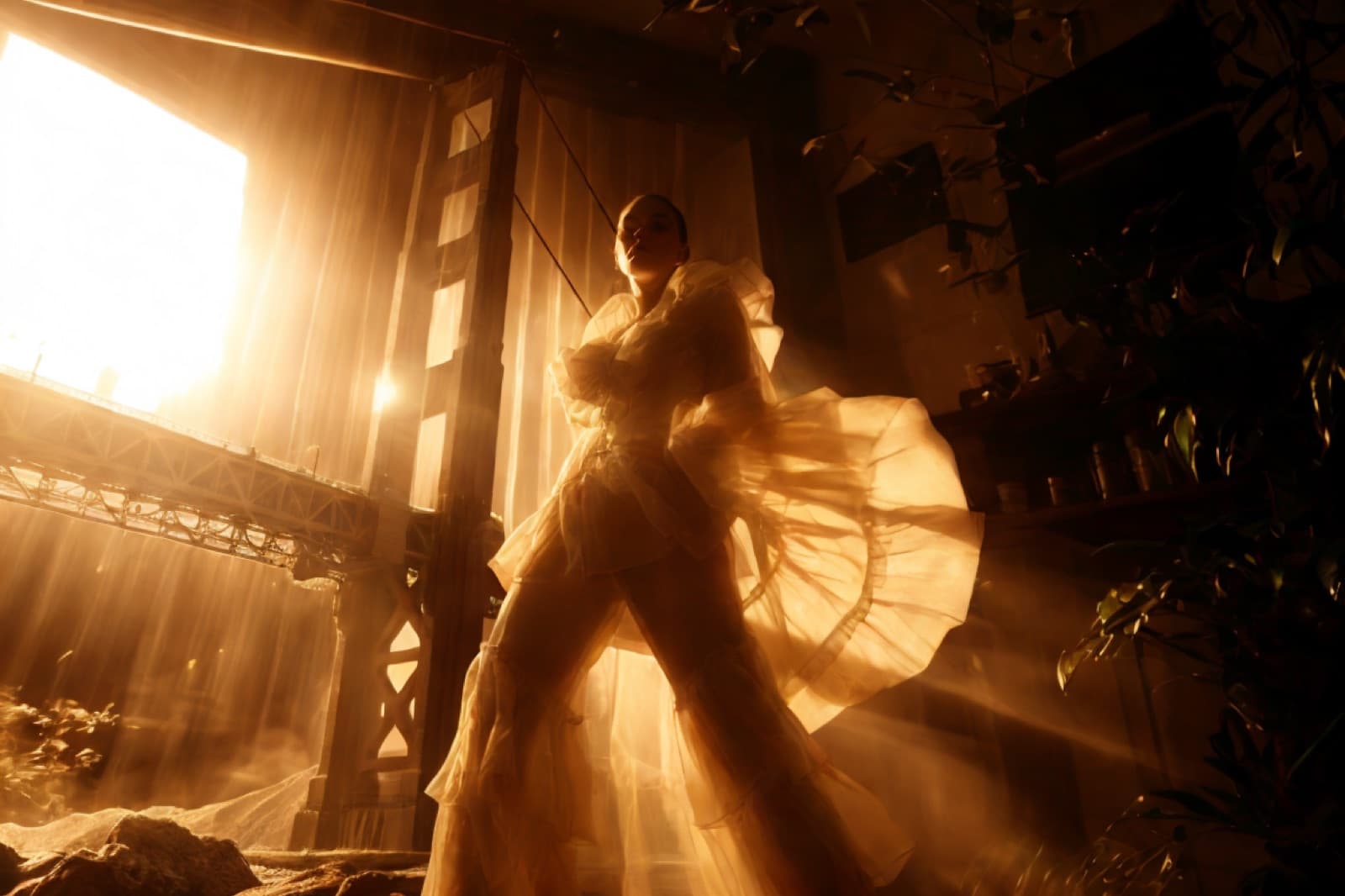
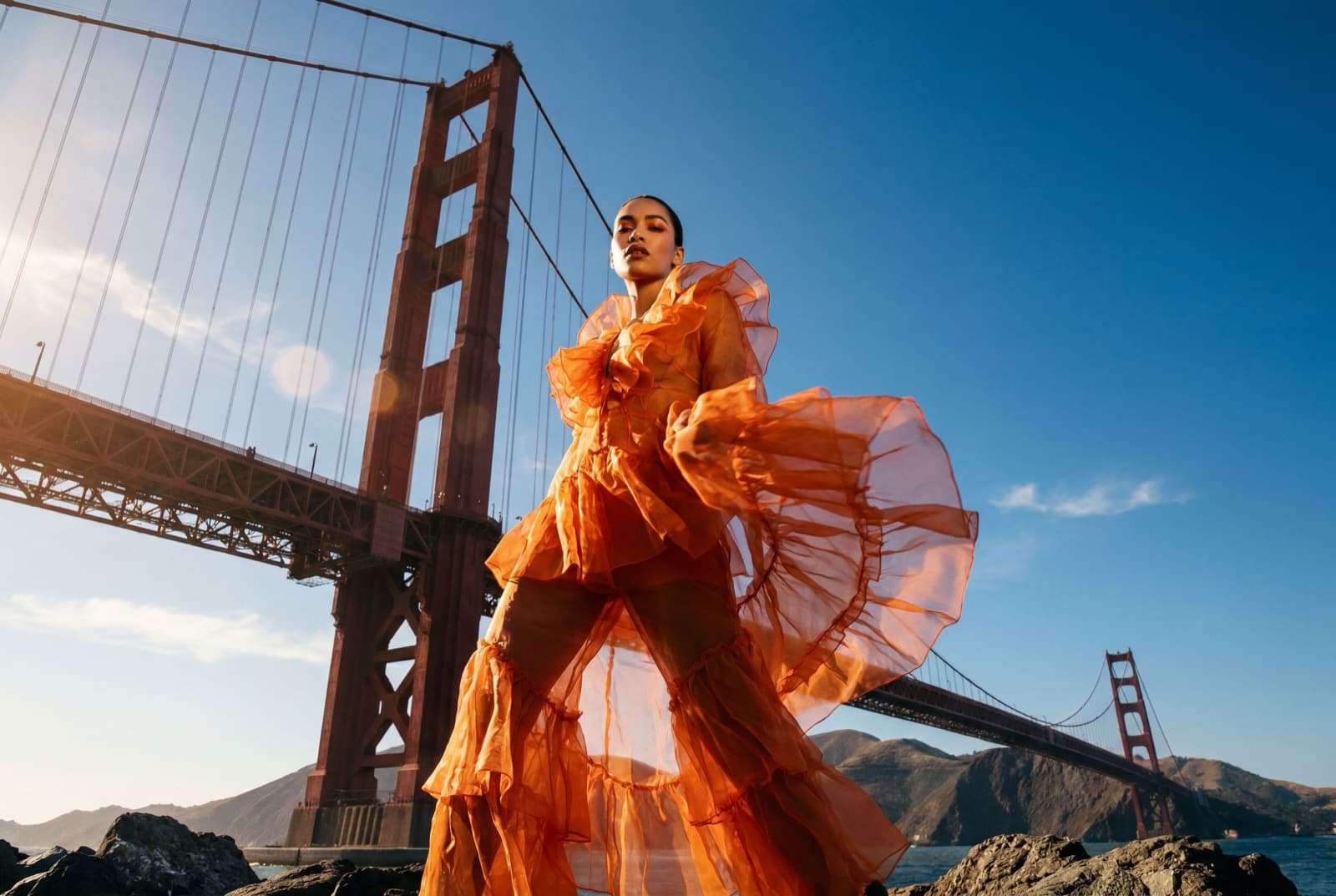
Relight: the same portrait, a new light and grade. Drag to compare.
Real edits, on real results
Every one of these ran on media made in Breme. Drag any slider to see the change.


Cut the subject out cleanly, ready to drop into any scene.
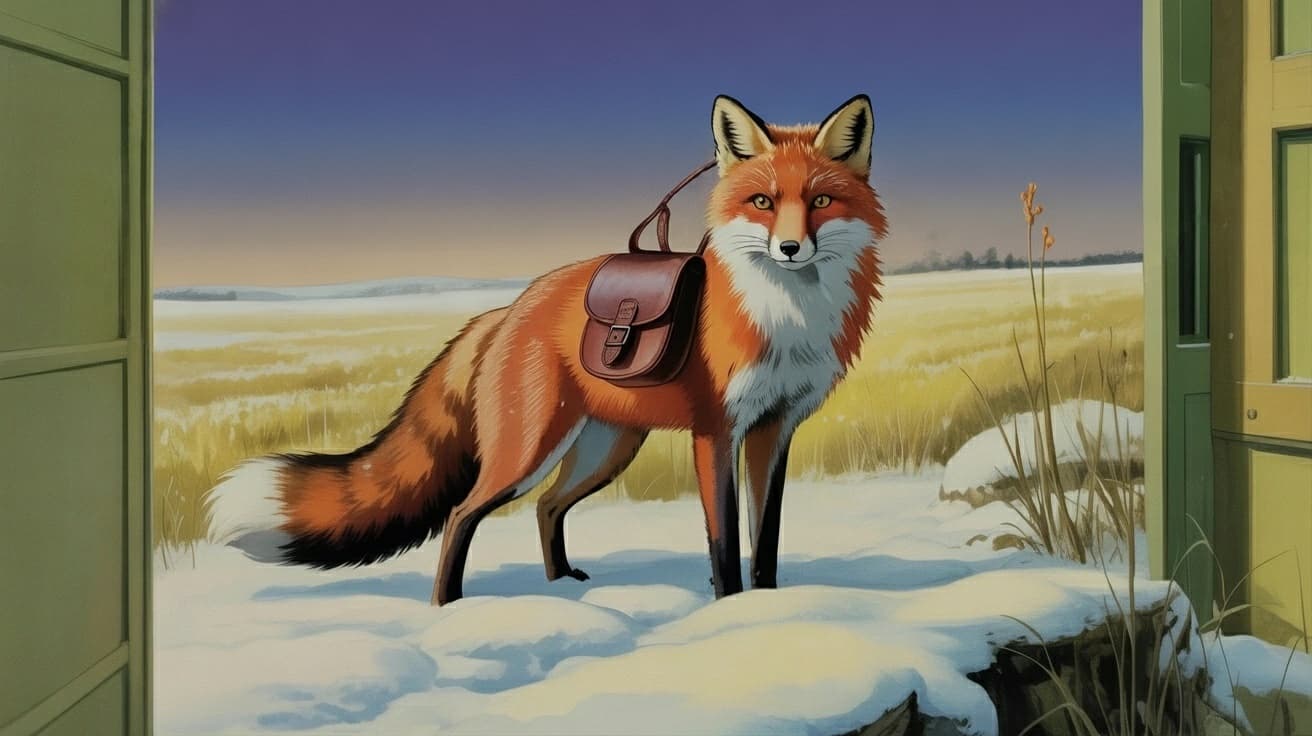
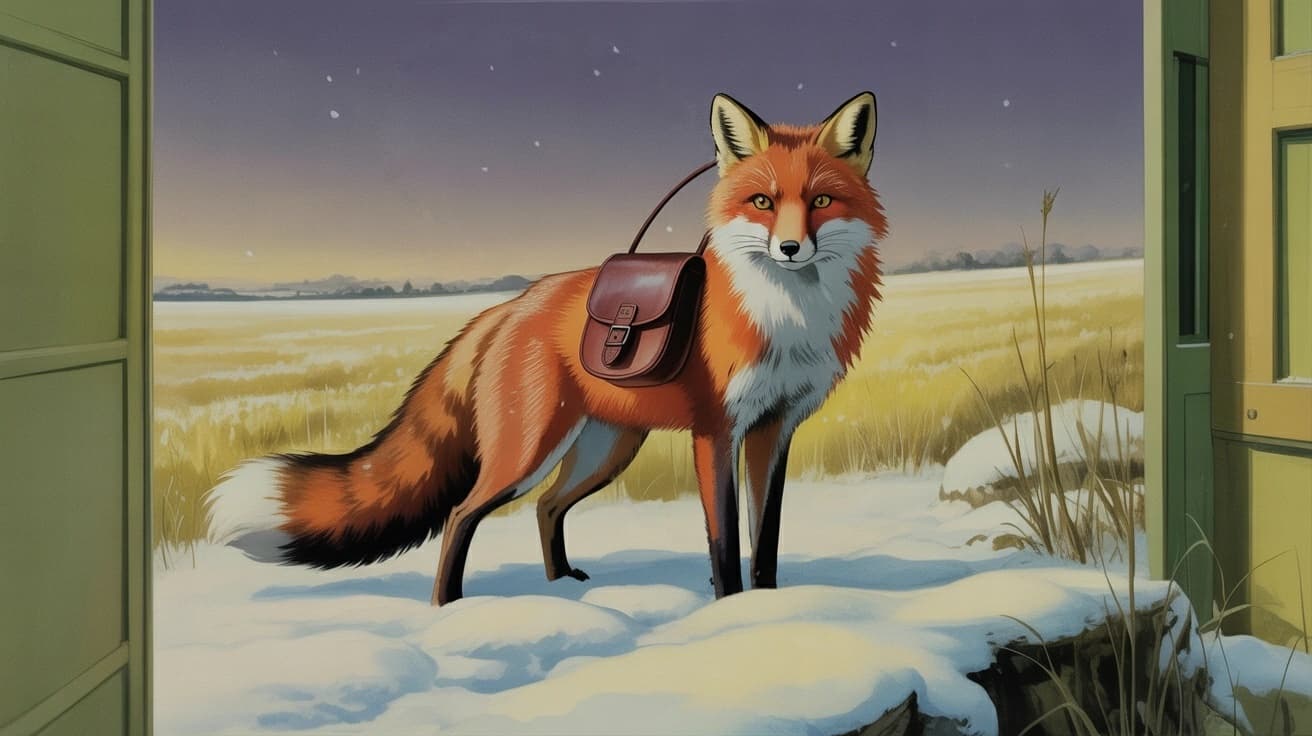
Describe a change, like turning night into day, and Breme repaints it.
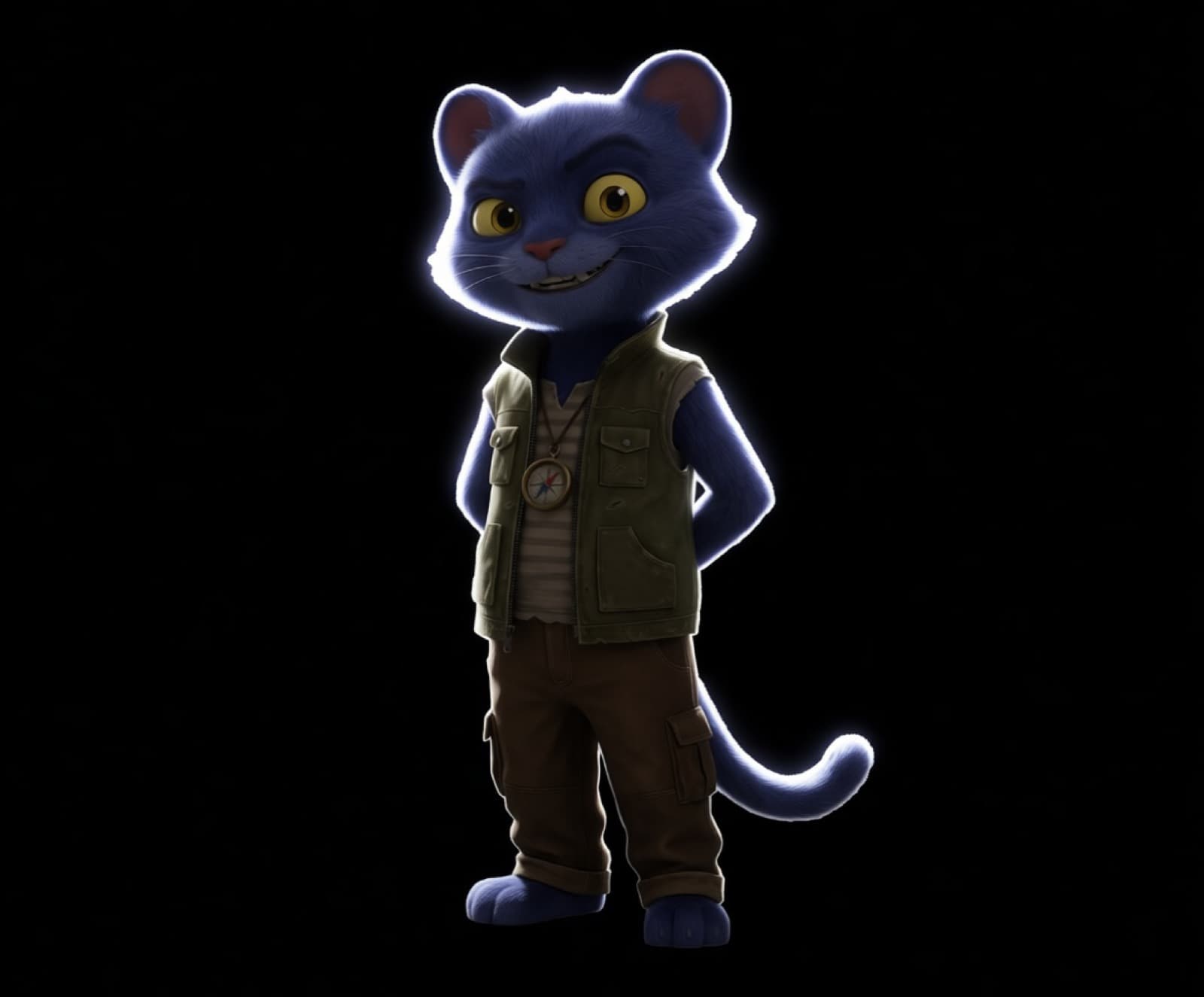
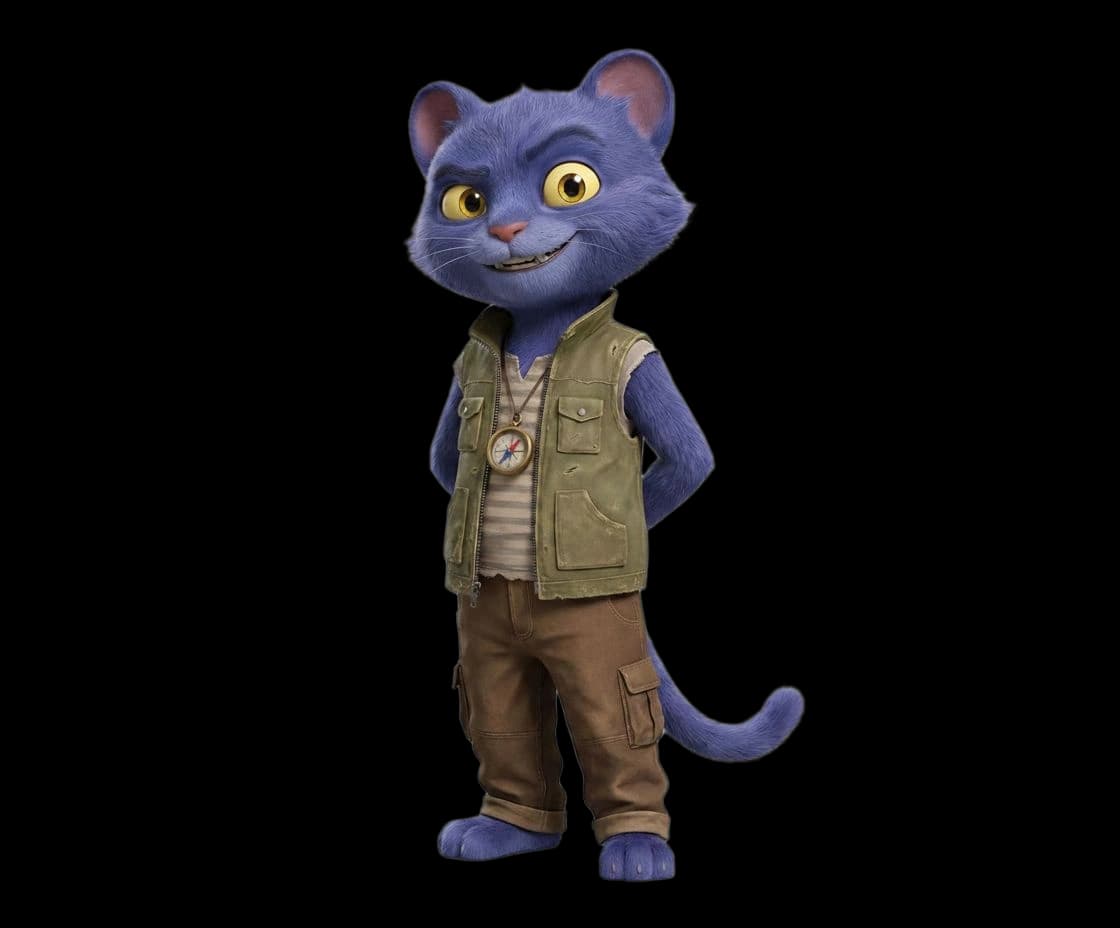
Select a region and repaint it from a prompt.
Edits that move
Recolor, reframe, upscale, or add seconds to a clip. This shot was generated, then recolored on the same footage, no reshoot.
Every edit, one place
Change the light and mood after the shot
Repaint any region from a prompt
Remove objects cleanly
Cut the subject out
Sharpen and enlarge to high resolution
Recompose to a new aspect ratio
Extend the frame beyond its edges
Add seconds to a video clip
Clean and lift audio

Make it, then perfect it
Generate a result, then refine it without leaving the project.