Write a prompt that works
Subject, action, camera, one style, one mood. Then stop.
A strong image or video prompt names a subject, gives it an action, and frames it with a camera instruction. Add one style term and one mood term to fix the look, then stop: short, specific prompts beat long ones that stack competing adjectives.
- 1
Name the subject
Start with who or what is in the frame, specific enough to picture: a lighthouse keeper, not a person.
A lighthouse keeper
- 2
Give it an action
Say what the subject is doing. Video models need a verb to animate; a subject with no action tends to come back as a near-still frame.
A lighthouse keeper climbing a spiral staircase
- 3
Frame it with the camera
Add shot size, angle, movement, or lens. Camera terms do the most work in a video prompt because they decide how the subject is framed and how the frame moves.
A lighthouse keeper climbing a spiral staircase, low angle, push-in
- 4
Pick one style
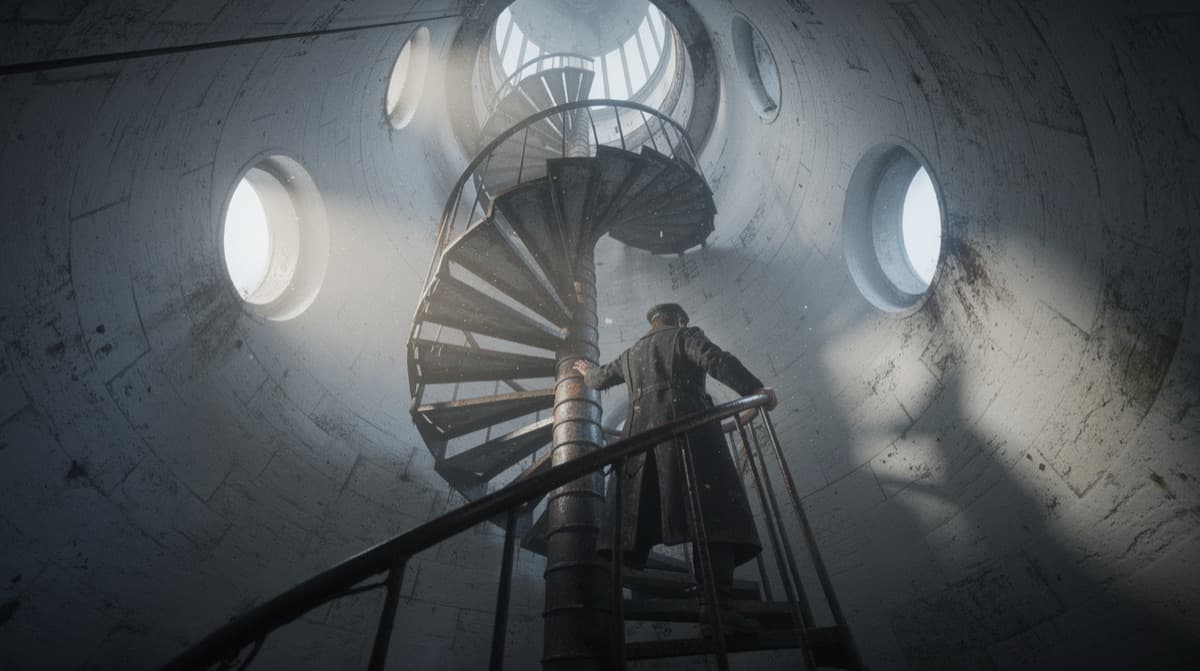
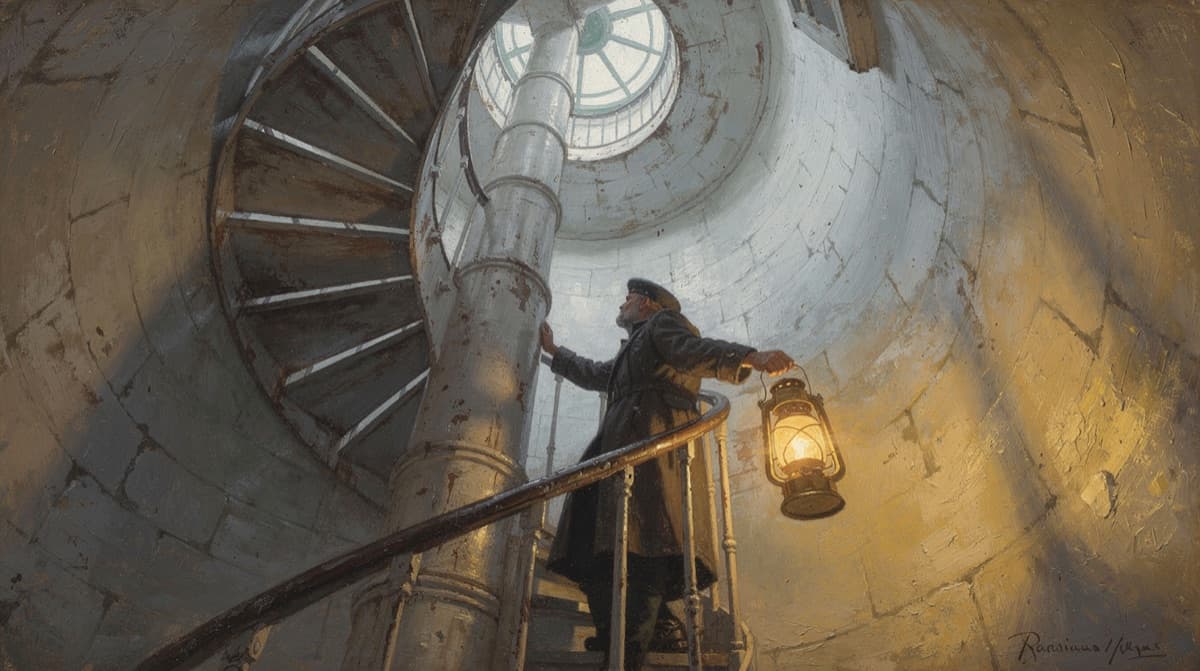
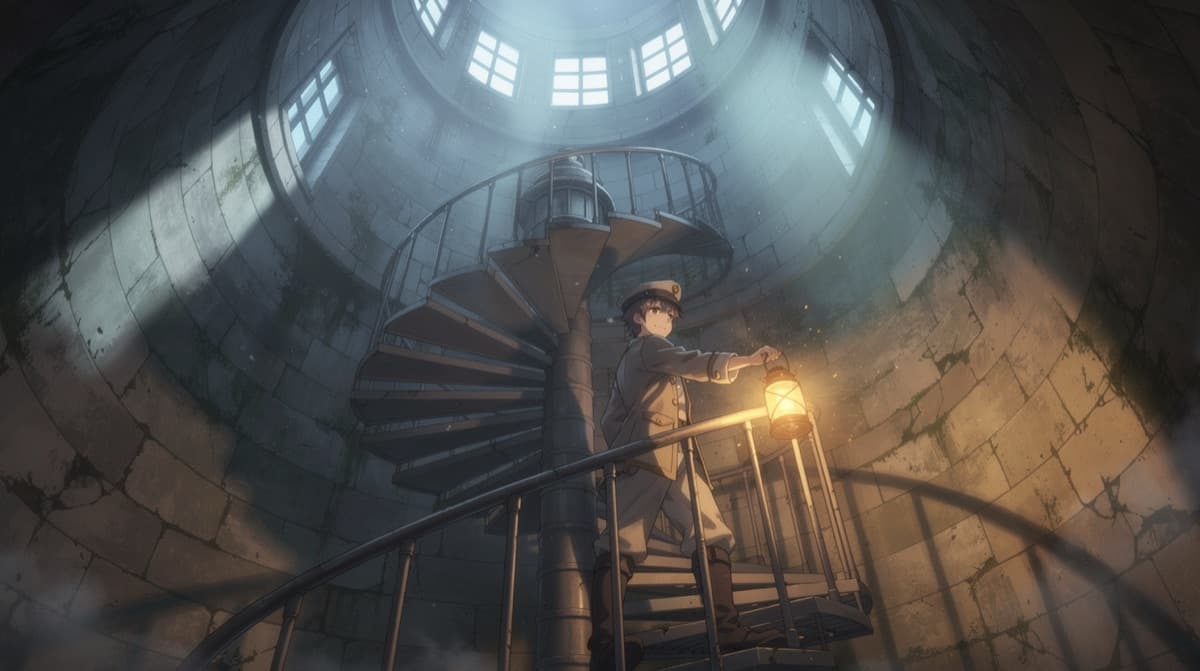
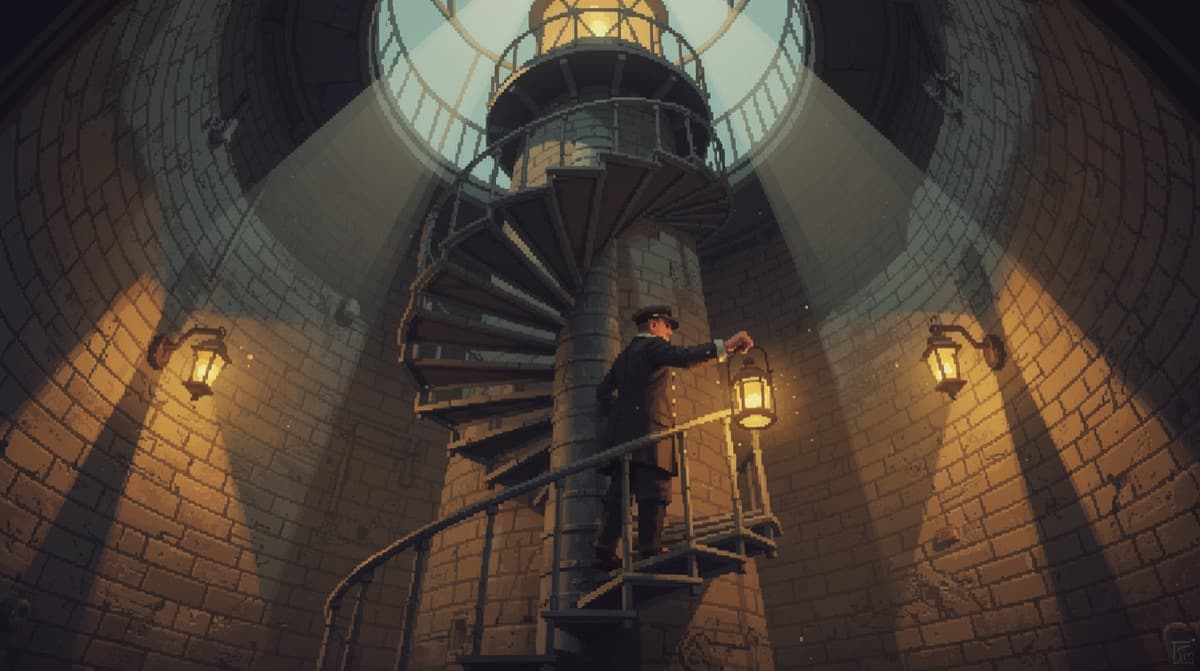
Choose the visual treatment: a photographic look, a painting, illustration, or digital style. One term is usually enough. Below, only the style term changes; subject, camera, model, and seed stay the same.
Stacking several styles muddies the result. Pick the dominant look.
- 5
Set the mood, then stop
Mood steers lighting, color, and pacing without naming any of them. With a subject, action, camera, style, and mood, the prompt is done.
A lighthouse keeper climbing a spiral staircase, low angle, push-in, cinematic, ominous
- 6
Score it the same way
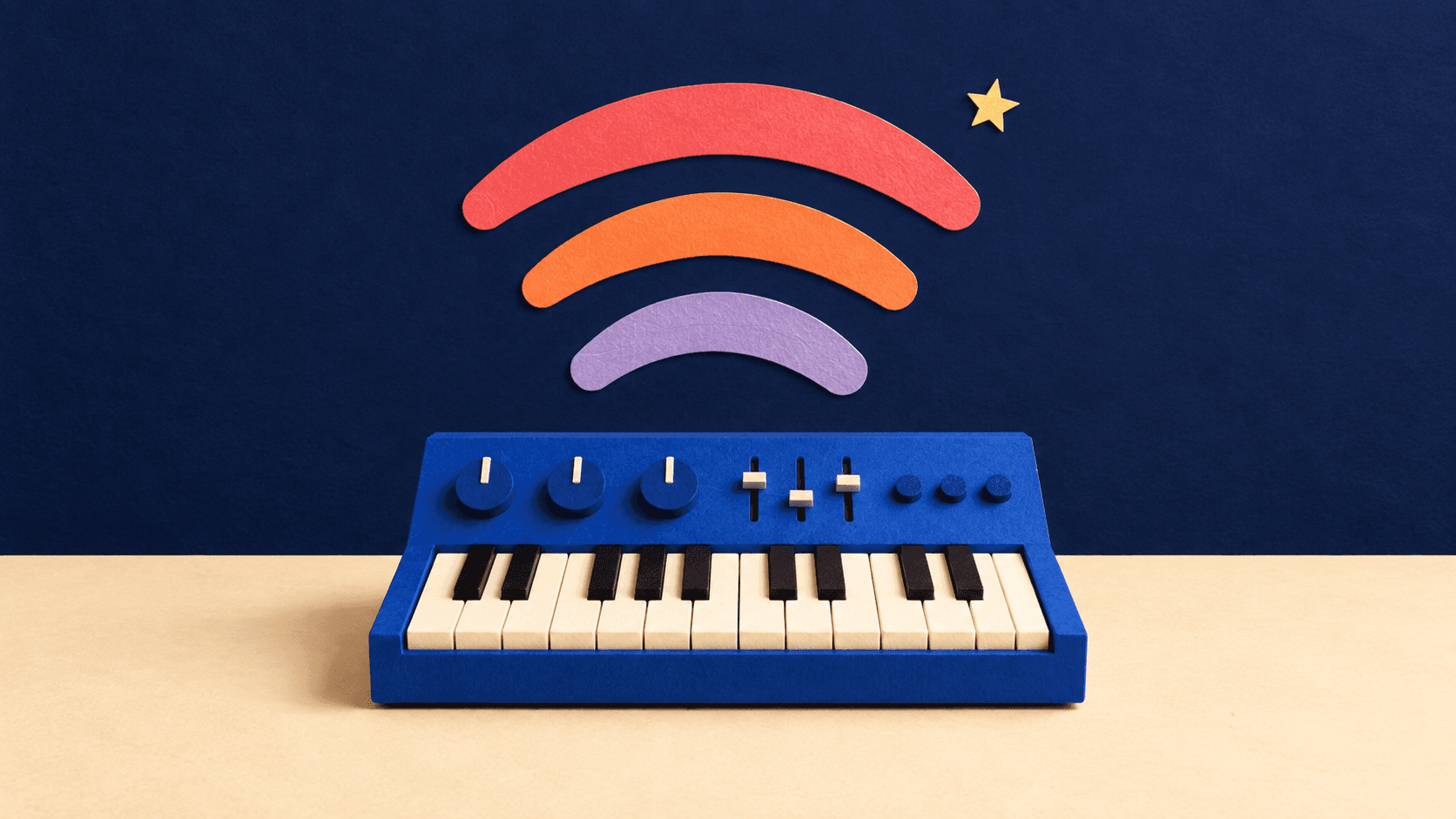
For music, pair one genre with a tempo and a mood. The same rule holds: a few specific terms beat a long list.
Ambient electronic, slow tempo, melancholic
Common questions
What makes a good AI video prompt?
A subject, an action, and a camera instruction cover most of it. Video models need a verb to animate, so a subject with no action often returns a near-still frame. Add one style term and one mood term, then stop.
How many style terms should I use at once?
One, in most cases. Style terms compete, so combining photorealistic with oil painting and pixel art gives the model contradictory instructions. Pick the dominant look, then use mood to shade it.
Do these prompts work on other AI tools?
Largely yes. Camera, style, and mood terms are standard film language, not syntax for one model, so they carry over to most text-to-video and text-to-image systems. What differs is how much weight each model gives to camera movement.
Features in this guide: AI Video Generator, AI Image Generator