Remove Objects
Erase anything and fill the gap. Paint over the thing you want gone and it disappears. The space fills itself in so cleanly it looks like it was never there.
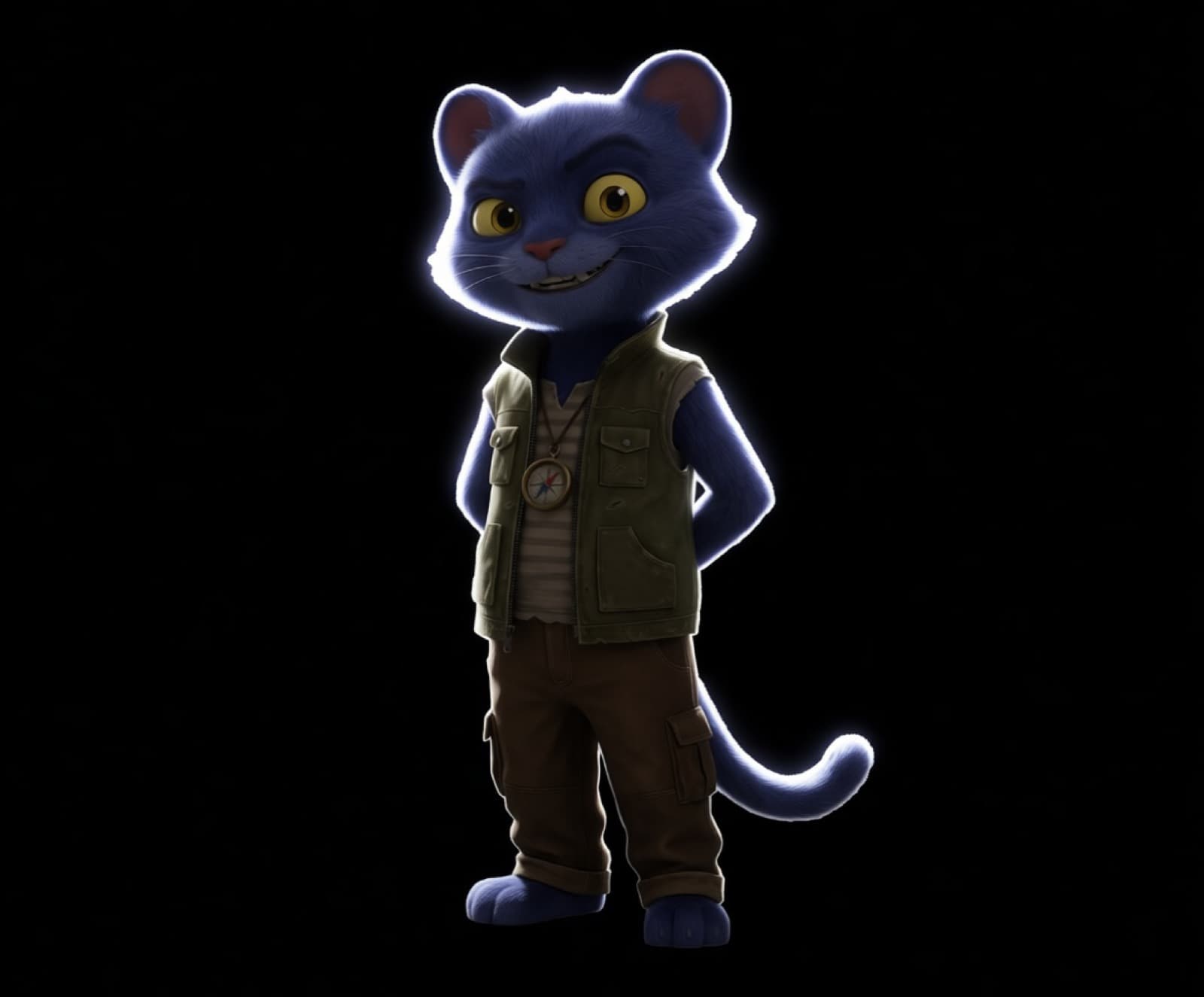 Before
Drag across the image to reveal the result.
Breme erases anything you brush over and fills the gap to match the surroundings, using Bria Eraser or LaMa inpainting. Mark the object, generate, and the scene closes over it.
| Models | Bria Eraser, LaMa |
|---|---|
| Selection | Brush over the object to remove |
| Fill | Context-aware inpainting matched to the scene |
| Input | Generated images or your own uploads |
Three steps, no learning curve
Brush over the object to remove.
The area is filled in to match.
Fine-tune or download the result.
Common questions
How precisely do I have to paint the object?
A rough brush over the object is enough. The inpainting model reads the surrounding scene and reconstructs what belongs behind the removed area.
Can I remove several things at once?
Yes. Brush over everything you want gone in one pass, or run the eraser repeatedly and keep each version.
What if the fill looks wrong?
Run the erase again or switch between Bria Eraser and LaMa. Every attempt is kept as its own version, so nothing is lost while you compare.

Remove Objects, free to try
It lives inside Breme alongside every other feature, so you can make something and perfect it without leaving your project.