Relight
Change the light after the shot. Give any image new lighting after the fact. Add golden hour, a soft studio key, or hard dramatic contrast, and the whole mood follows.
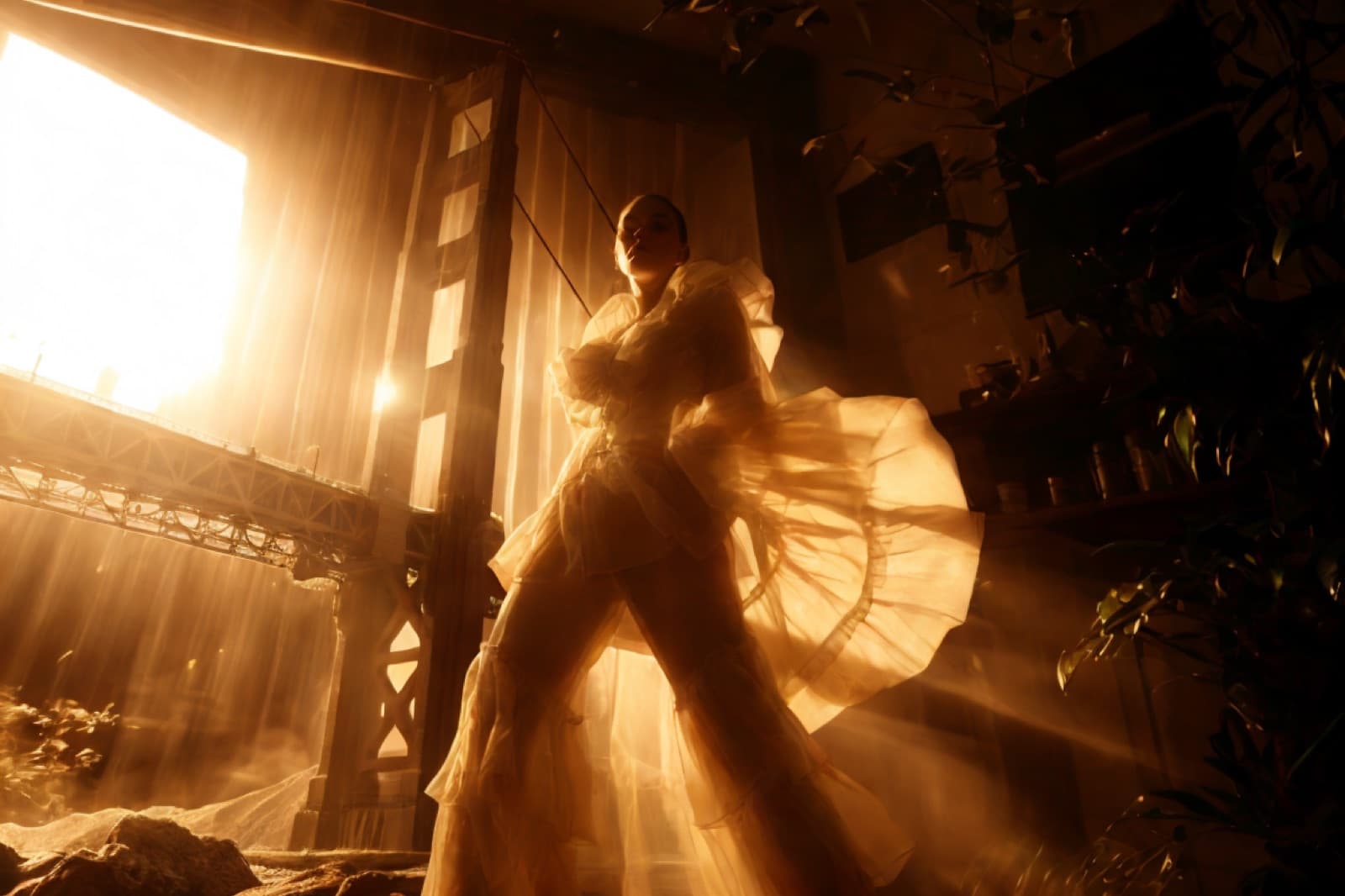 Before
Drag across the image to reveal the result.
Breme relights a photo after the fact: describe the lighting you want and choose where it comes from, with directional presets for left, right, top, and bottom light plus free-text lighting prompts.
| Model | Nano Banana Pro |
|---|---|
| Light direction | Left, right, top, bottom, or none |
| Control | Lighting described in plain language, e.g. "golden hour from the left" |
| Input | Generated images or your own uploads |
Three steps, no learning curve
Upload your image.
Describe the lighting you want.
Generate the relit version.
Step-by-step guides
Common questions
What kind of lighting changes can it make?
Time of day, mood, color temperature, and direction: turn flat midday light into golden hour, add a neon rim light, or move the key light to the other side of a face.
How do I control where the light comes from?
Pick a directional preset for left, right, top, or bottom light, then refine the look with a text description. The two combine into one relight pass.
Does relighting change the subject?
The subject and composition stay put; the model re-renders illumination, shadows, and reflections to match the new light.

Relight, free to try
It lives inside Breme alongside every other feature, so you can make something and perfect it without leaving your project.