Relight an image
Generate a new lighting treatment from an existing image
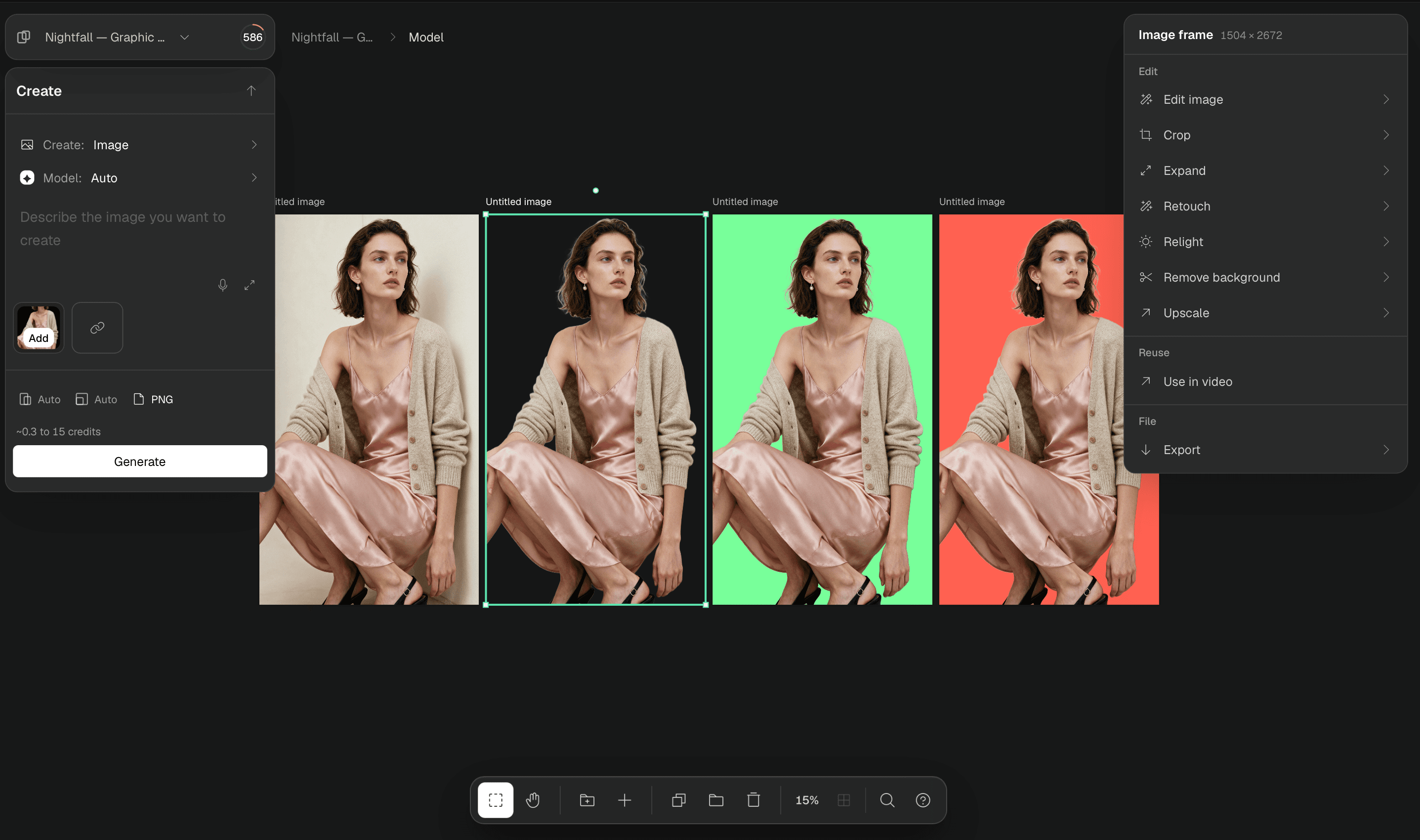
To relight an image in Breme, select a completed image frame in Canvas and choose Relight. Describe the lighting direction, colour, and mood, then choose a compatible model and review its settings and credit cost. Press Relight to create a new image result. Compare it with the source before exporting.
Before you start
- A Breme account and a project
- A completed image frame on Canvas
- Sufficient generation credits
Select an image on Canvas
Open Canvas in your project and select the completed image you want to relight. Uploaded photos and generated images can both be used.
Describe and generate the lighting
Choose Relight in the image actions panel. Describe the light you want, select a compatible model, and review its available settings and credit cost. Press Relight to submit the edit.
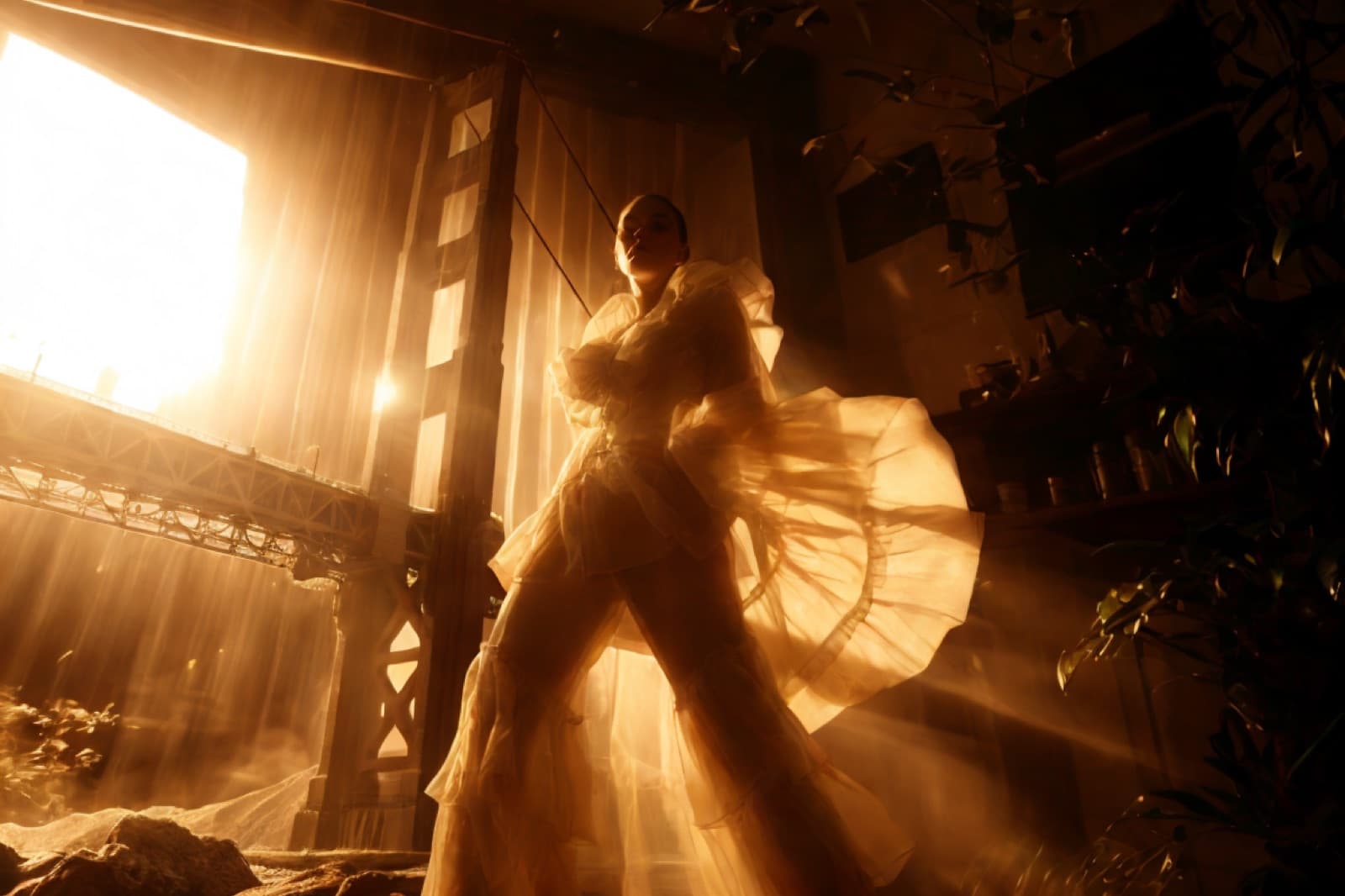
Warm, dramatic side light at golden hour
Compare and export the result
Review the new image frame alongside the source. Check the face or product details as well as the light and shadows. Select the version you want, choose Export, choose an image format, and press Export. Use the portrait on this guide as an example of a warm lighting treatment.
Common questions
Features in this guide: Relight