Change a scene with a prompt
Describe a whole-image edit and review a new result on Canvas
To change an image with a prompt in Breme, select a completed image frame in Canvas and choose Edit image. Describe the change, select a compatible model, and review its available settings and credit cost. Attach visual references if the model supports them, then press Edit. Review the new image frame and export the version you want.
Before you start
- A Breme account and a project
- A completed image frame on Canvas
- Sufficient generation credits
Select the image
Open Canvas in your project and select a completed generated image or uploaded photo. Choose Edit image in its actions panel.
Describe and submit the edit
Describe the change you want and the details you want to retain. Choose a compatible model and review its settings. Use Add reference when available if a reference image would help. Review the credit cost, then press Edit.
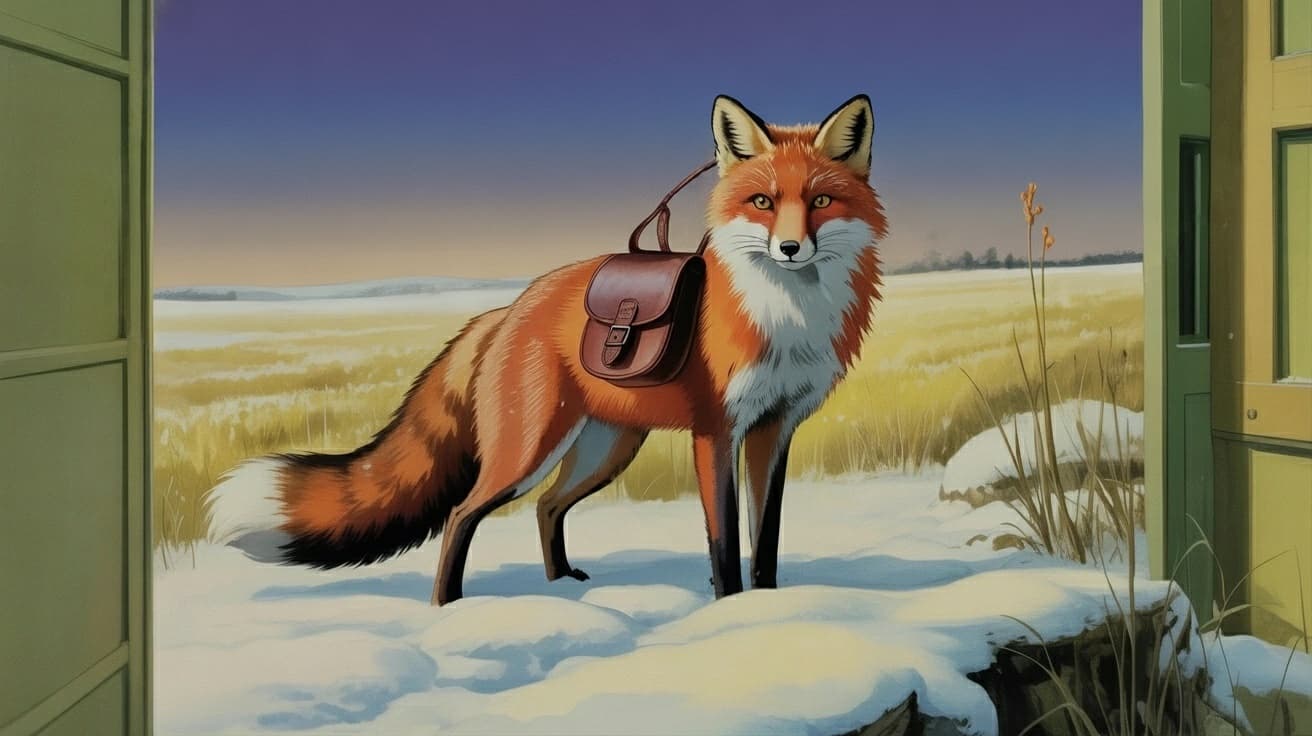
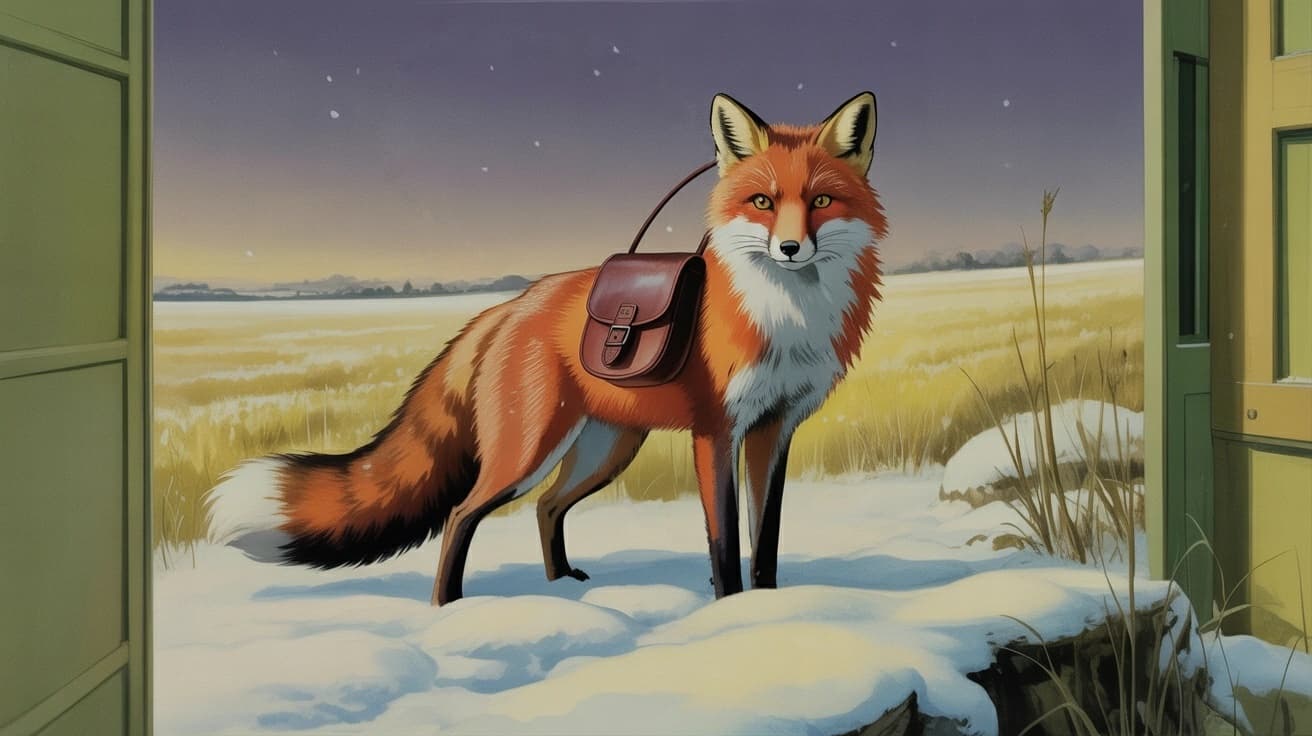
Change the night sky to a clear blue day
Review and export
Wait for the new image frame, then compare the subject, composition, and requested change with the original. Select the result you prefer, choose Export, choose a format, and press Export. The slider on this guide shows an example sky change.
BeforeAfter
Common questions
Features in this guide: AI Image Editor