AI Image Generator
Turn a sentence into a finished image. Type what you want to see and get a high-quality image back. Pick a look and an aspect ratio, then keep refining until it feels right.
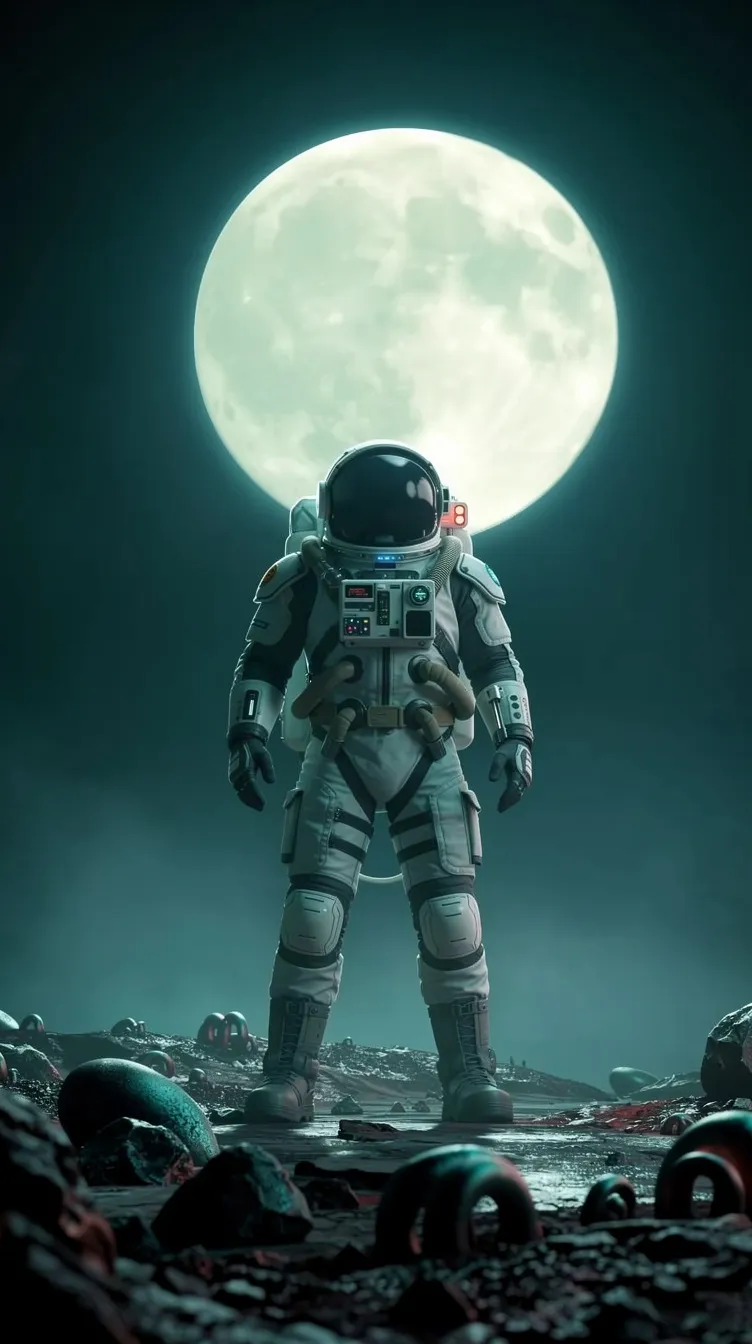
Pick a prompt and watch it generate.
Breme generates images from text across the current frontier of image models, including FLUX 2 Flex, Google Nano Banana Pro, GPT Image 2, Seedream 5 Pro, and Imagen 4 Ultra. Prompts can carry up to 14 reference images for subject and style control, output runs from 1K to 4K, and results come back as PNG, JPG, or WebP in aspect ratios from square to 21:9 widescreen.
| Models | FLUX 2 Flex, Nano Banana Pro, GPT Image 2, Seedream 5 Pro, Imagen 4 Ultra, and more |
|---|---|
| Resolution | 1K to 4K, model dependent |
| Aspect ratios | Square to 21:9 widescreen, portrait and banner formats included |
| Reference images | Up to 14 per prompt, model dependent |
| Output formats | PNG, JPG, WebP |
| Modes | Text to image, inpaint |
Three steps, no learning curve
Describe what you want to see.
Pick a style and aspect ratio.
Generate, then refine or edit in place.
Step-by-step guides
Common questions
Which models can I generate with?
The model picker covers FLUX 2 Flex and Klein, Google Nano Banana Pro and 2, GPT Image 2, Imagen 4 Ultra, Seedream 5 Pro and 5 Lite, Ideogram v4 Turbo, Recraft V4, Luma Photon, Qwen Image 2, and Grok Imagine. Each generation picks whichever model fits the job.
Can I guide generation with reference images?
Yes. Depending on the model you can attach up to 14 references: Nano Banana Pro and Seedream 5 Lite take 14, GPT Image 2, Seedream 5 Pro, and FLUX 2 Flex take 10. References steer identity, style, and composition.
What resolution do images come out at?
From 1K up to 4K depending on the model. Nano Banana Pro generates at up to 4K; most models default to 2K.

AI Image Generator, free to try
It lives inside Breme alongside every other feature, so you can make something and perfect it without leaving your project.