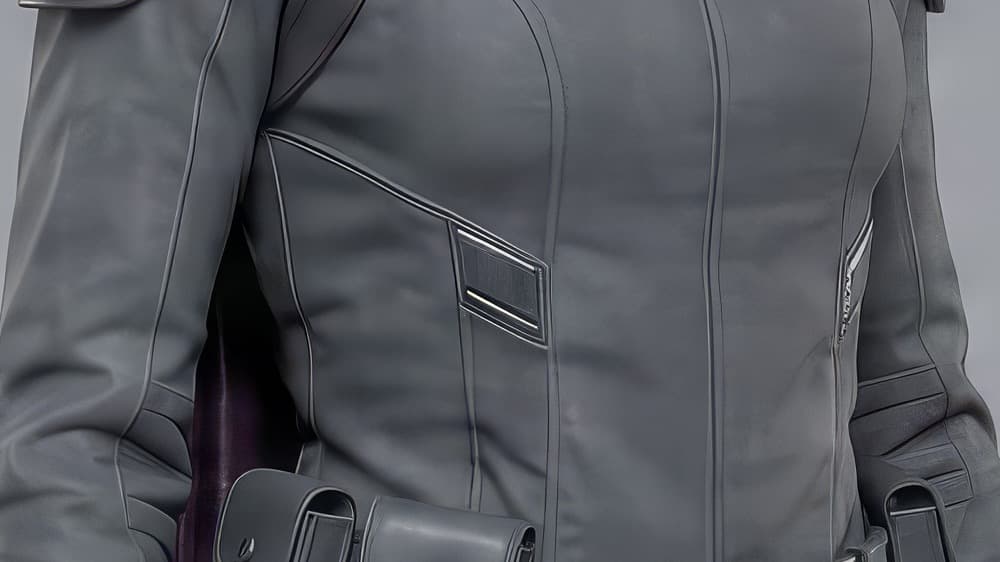
Upscale Image
Sharpen and enlarge to high resolution. Blow an image up to 4x its size while recovering detail along the way. Small, soft images come out crisp enough to print.
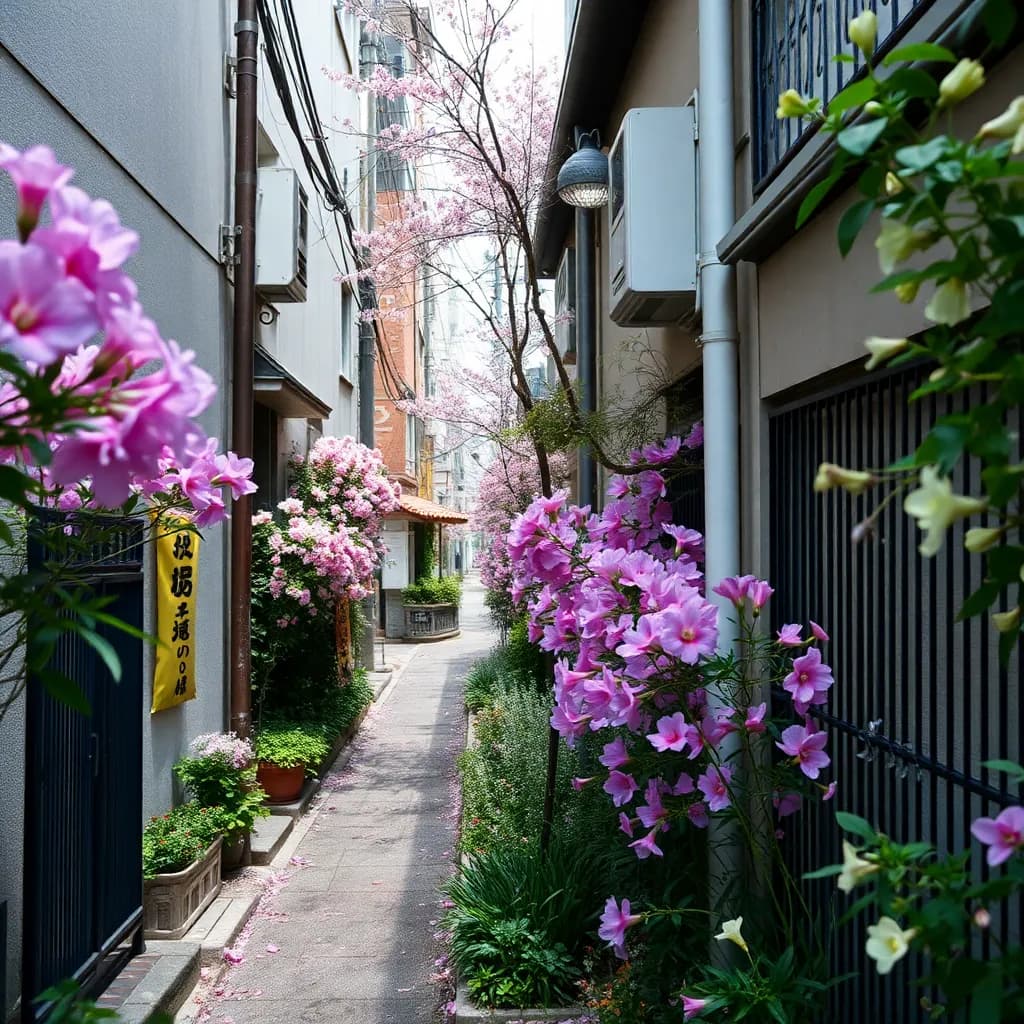 Move over the image
The image is soft. Inside the lens is the upscaled detail.
Breme upscales images at 2x to 16x, generating real detail as it enlarges. Low-resolution generations, crops, and old photos come out print-ready.
| Scale options | 2x, 4x, 6x, 8x, 16x |
|---|---|
| Engine | Real-ESRGAN family upscalers |
| Input | Generated images or your own uploads |
| Detail | Generative enhancement, sharpened edges and textures |
Three steps, no learning curve
Upload your image.
Pick a scale (2x, 4x).
Download the high-resolution result.
Step-by-step guides
Common questions
How much can I enlarge an image?
Scale options run 2x, 4x, 6x, 8x, and 16x. A 1K generation at 4x lands at 4K.
Does upscaling actually add detail?
Yes. The upscaler is generative: it reconstructs plausible texture, edges, and fine detail at the new size instead of interpolating existing pixels.
What images benefit most?
Fast-model generations you want at delivery resolution, tight crops, and any image headed for print or large-format display.

Upscale Image, free to try
It lives inside Breme alongside every other feature, so you can make something and perfect it without leaving your project.