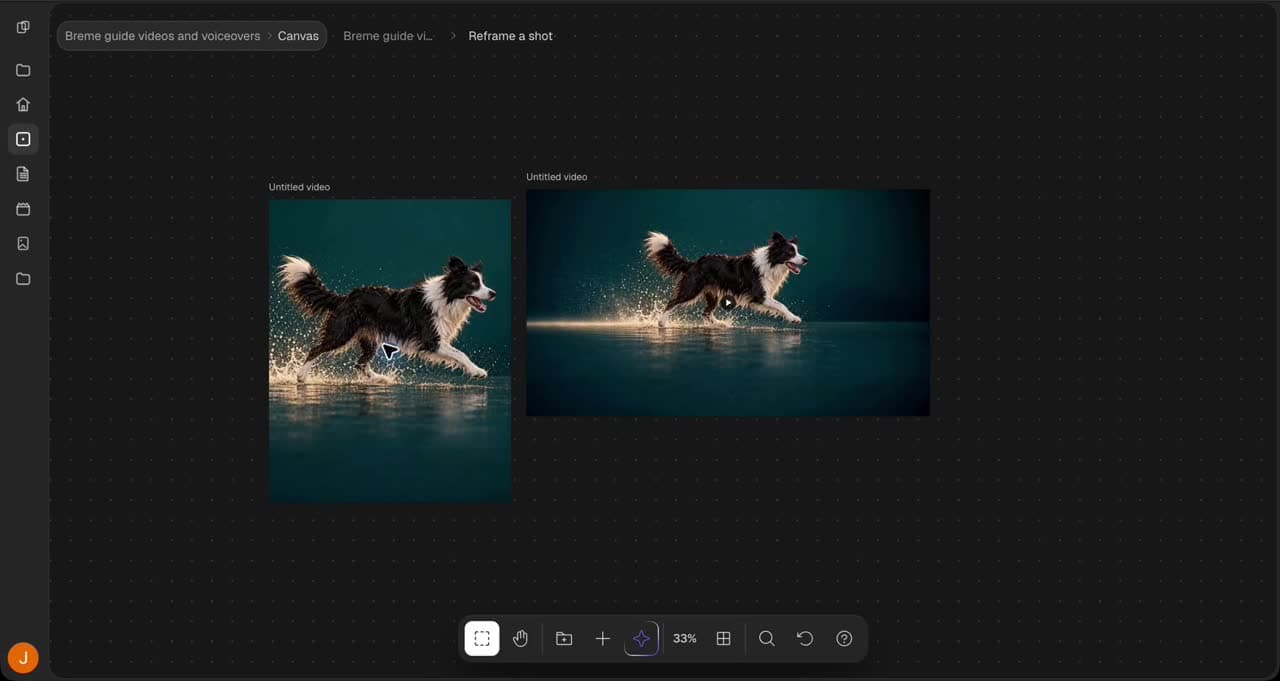
Upscale to high resolution
Create a larger image result and inspect its detail before export
To upscale an image in Breme, select a completed image frame in Canvas and choose Upscale. Select a compatible model and review the enlargement controls it exposes and the credit cost. Press Upscale to create a separate result. Inspect its detail and dimensions, then export the version you want.
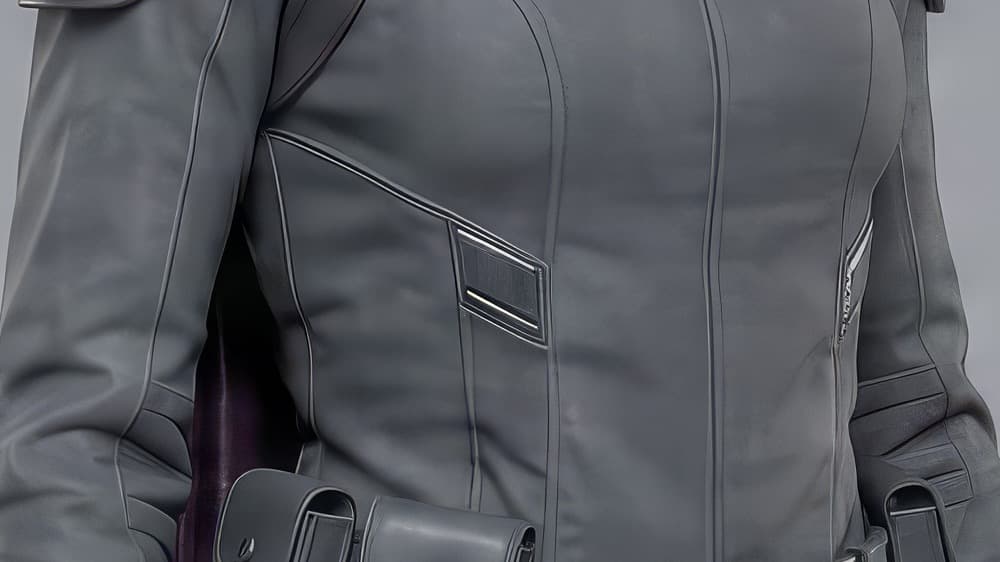
Select the source image
Open Canvas in your project and select the completed image you want to enlarge. Choose Upscale in its actions panel.
Choose the enlargement settings
Select a compatible upscale model and inspect the controls it offers, such as scale or target resolution. Review the credit cost and press Upscale.
Inspect and export
Select the completed result and inspect fine details, faces, and text. Choose Export and check the displayed dimensions. Select an image format and press Export. Keep the original available for comparison.
Common questions
Features in this guide: Upscale Image, Upscale Video