AI Vector Generator
Turn a prompt into editable SVG artwork. Generate logos, icons, stickers, and illustrations as resolution-independent SVGs, with palette and aspect-ratio control.
Breme generates editable SVG artwork from a text prompt. Create logos, icons, stickers, and illustrations with a chosen aspect ratio and a palette of up to five colors, then continue editing the vector without rasterizing it.
| Models | Recraft V4.1 Vector, V4.1 Pro Vector, and V2 Vector |
|---|---|
| Output | Editable, resolution-independent SVG |
| Canvas | 9 aspect-ratio presets |
| Palette | Up to 5 preferred colors |
Real vectors. Still vectors.
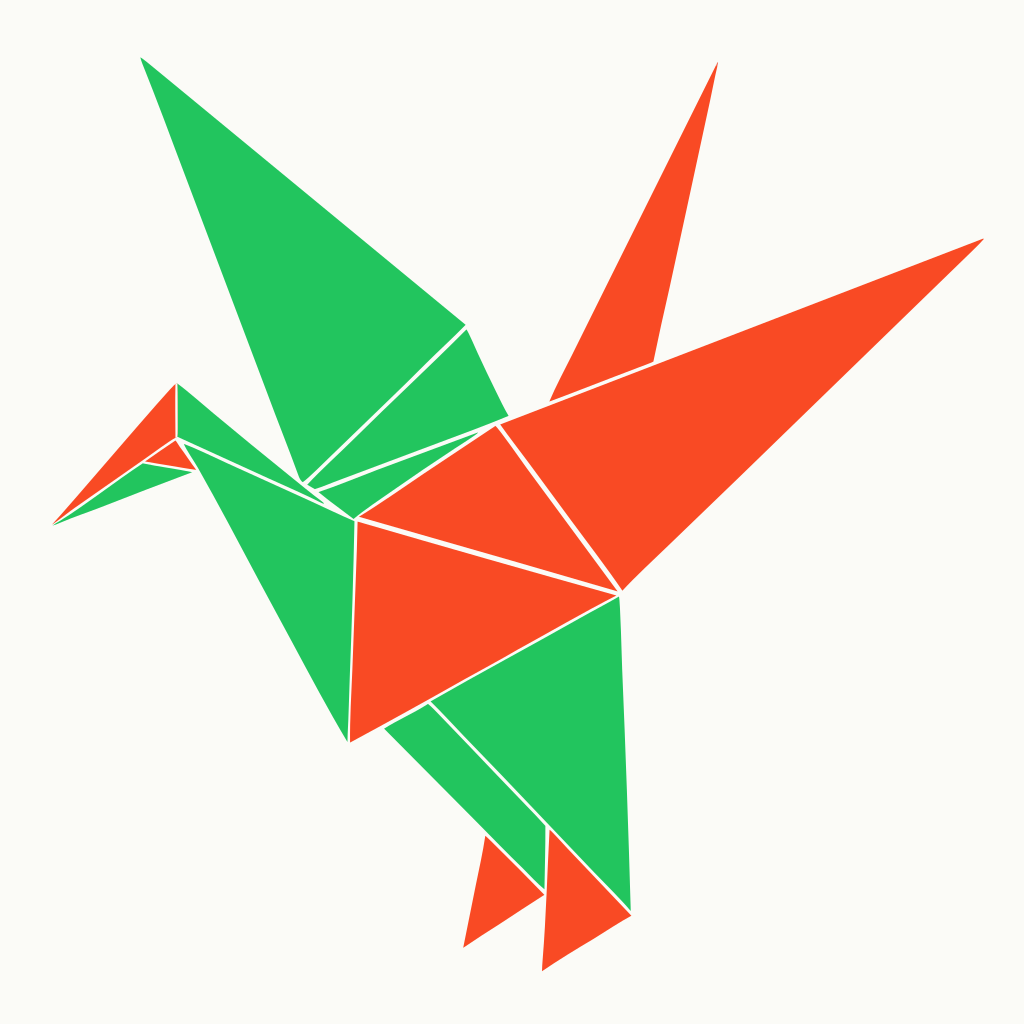
Logos, icons, and illustrations made in a real Breme account. Every piece remains resolution-independent SVG artwork you can continue refining with AI Vector Generator and the rest of the vector studio.



Three steps, no learning curve
Describe the vector artwork you want.
Choose the canvas, palette, and model.
Generate an SVG and keep refining it in the vector studio.

AI Vector Generator, free to try
It lives inside Breme alongside every other feature, so you can make something and perfect it without leaving your project.