
Image to SVG
Turn a raster image into a clean vector. Convert an existing image or generated artwork into scalable SVG paths you can keep editing. Turn raster logos, icons, and illustrations into clean vector assets for any size.
Breme converts raster artwork into a scalable SVG. The vectorizer traces the source into editable paths, so an image can become a logo, icon, or illustration that stays sharp at any size.
| Engine | Recraft Vectorize |
|---|---|
| Input | Uploaded or generated raster images |
| Output | Editable SVG paths |
Real vectors. Still vectors.
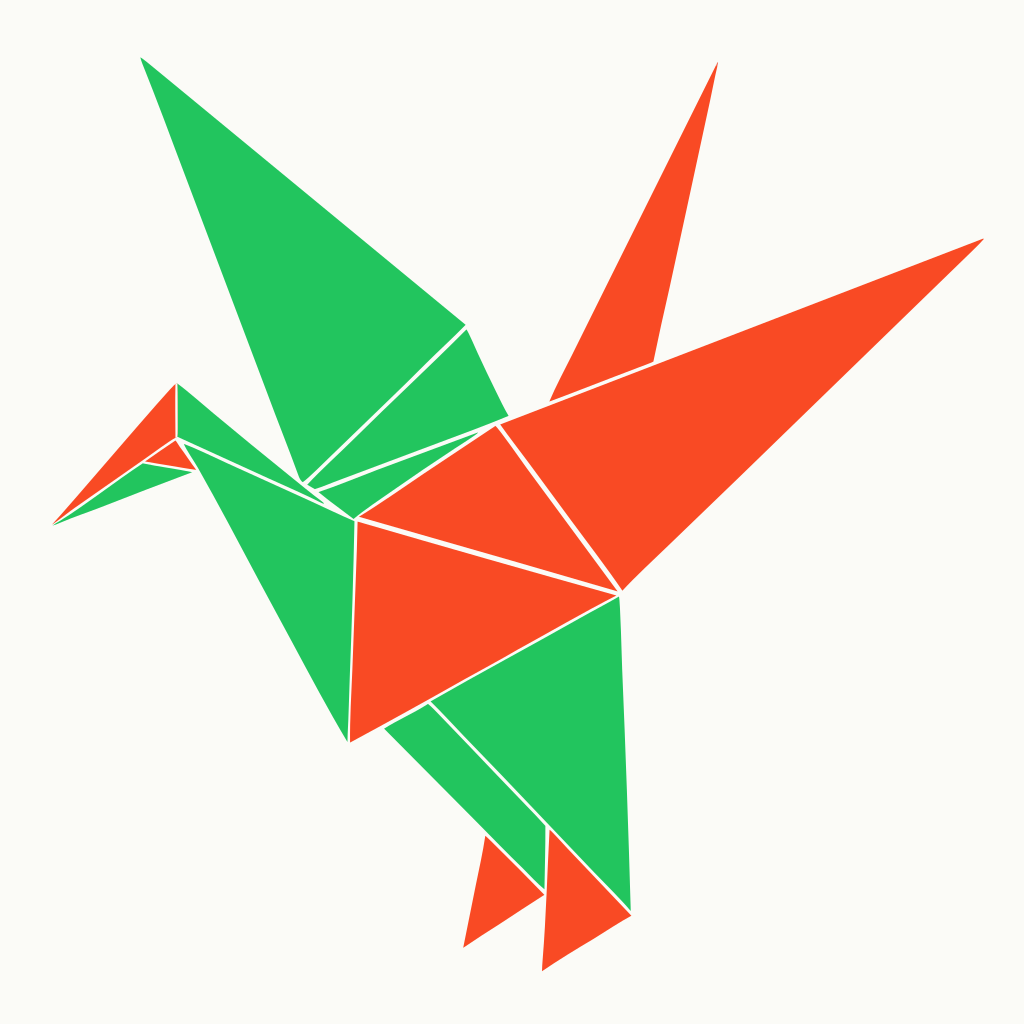
Logos, icons, and illustrations made in a real Breme account. Every piece remains resolution-independent SVG artwork you can continue refining with Image to SVG and the rest of the vector studio.



Three steps, no learning curve
Upload or choose a raster image.
Vectorize it into SVG paths.
Edit, optimize, or download the result.

Image to SVG, free to try
It lives inside Breme alongside every other feature, so you can make something and perfect it without leaving your project.