Inpaint part of an image
Select an area on Canvas and generate a replacement from a prompt
To inpaint an image in Breme, select its completed frame in Canvas and choose Retouch. Use Replace mode and mark the area with Brush, Lasso, or Rectangle. Describe the replacement, choose a compatible model, and press Replace. The selection and source image guide a new result, which you should review before exporting.
Before you start
- A Breme account and a project
- A completed image frame on Canvas
- Sufficient generation credits
Open Retouch
Open Canvas in your project, select a completed image frame, and choose Retouch in its image actions panel.
Select and describe the replacement
Choose Replace mode. Mark the area with Brush, Lasso, or Rectangle. Adjust Weight for the brush, use Undo last selection to remove the last mark, or Clear to start the selection again. Enter the replacement in Describe the replacement.
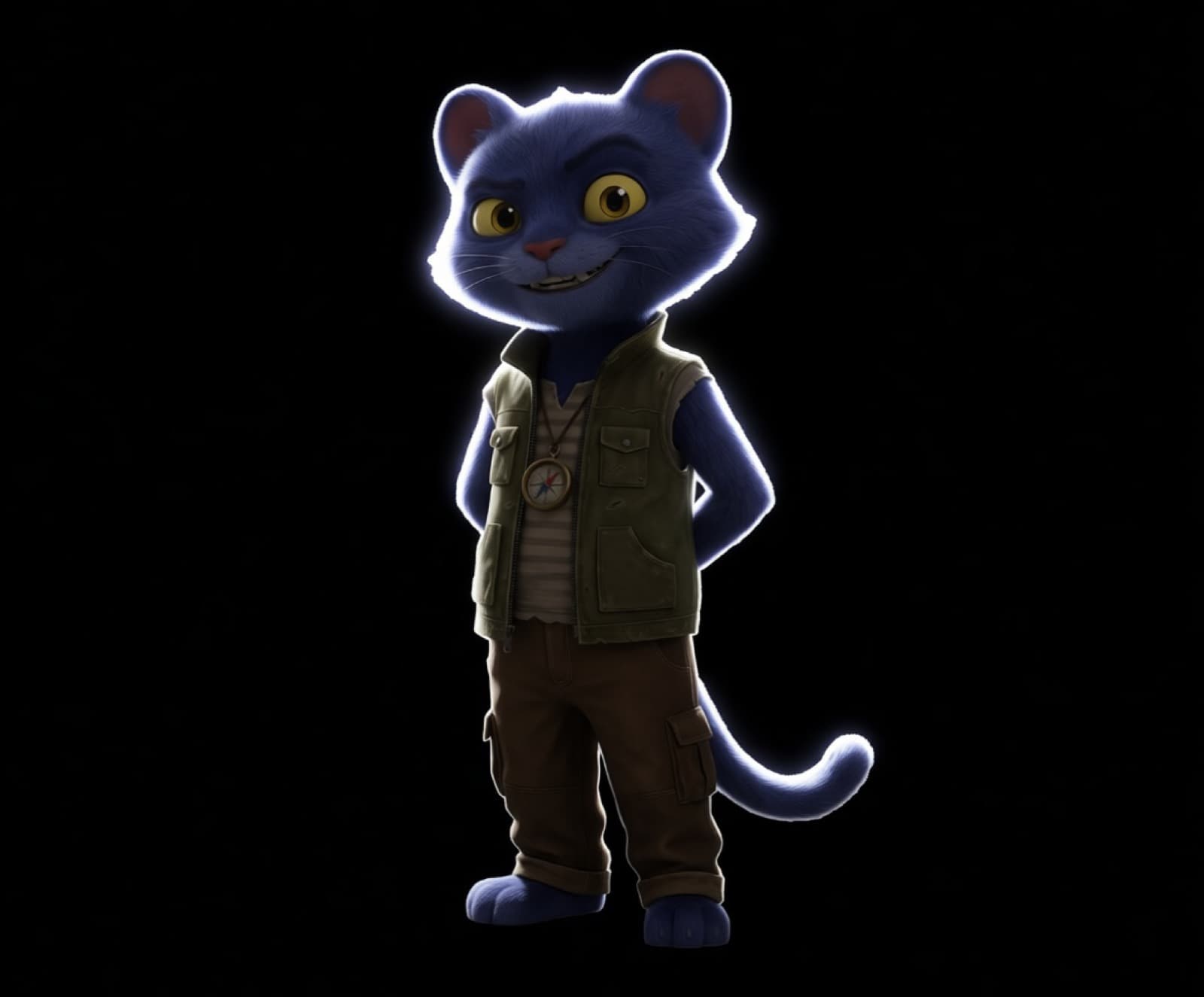
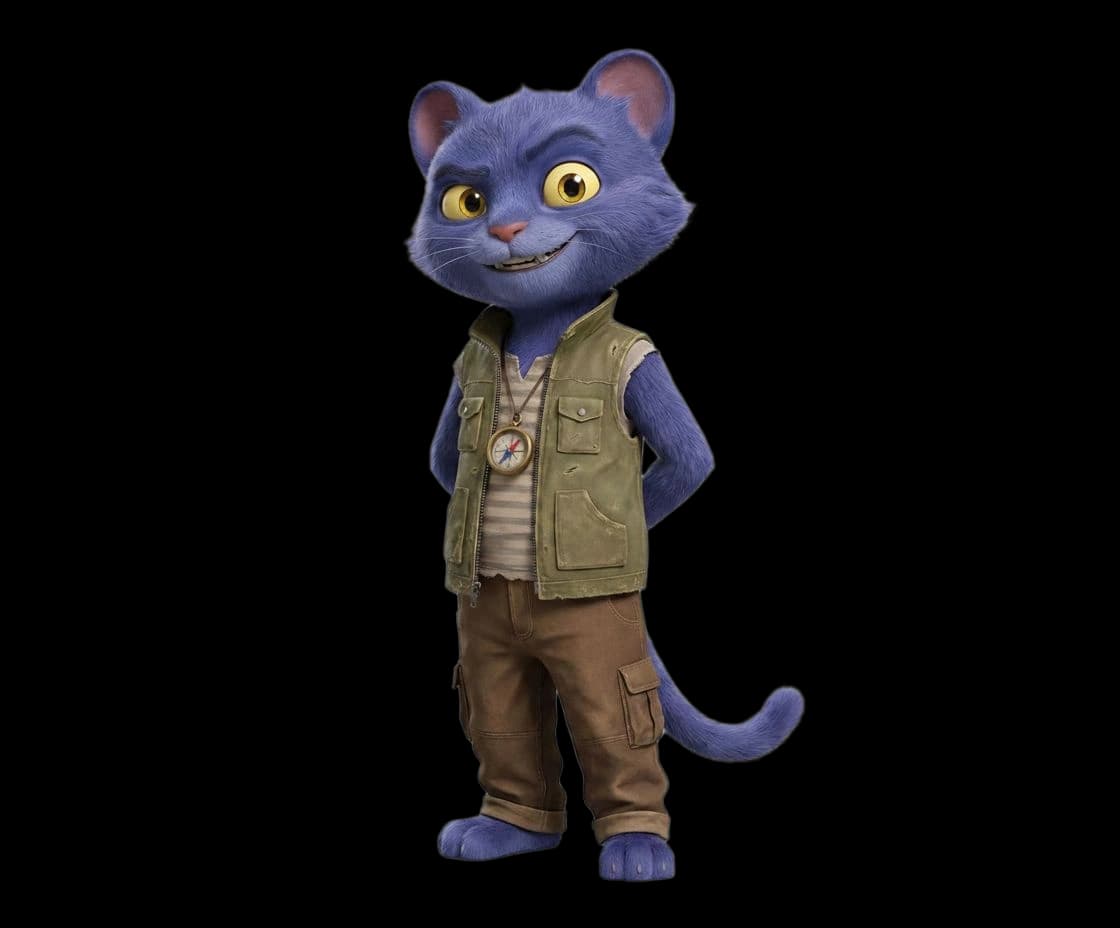
Make the cat a realistic blue shorthair
Generate the replacement
Select a compatible model and press Replace. A selection and a nonempty replacement description are required. Wait for the new image frame, then inspect the replacement and its boundary against the source. The slider on this guide shows an example edit.
BeforeAfterRefine or export
If the replacement needs work, select the source and submit another Retouch edit with a revised mask or prompt. When ready, select the preferred result, choose Export, choose an image format, and press Export.
Common questions
Features in this guide: AI Image Editor