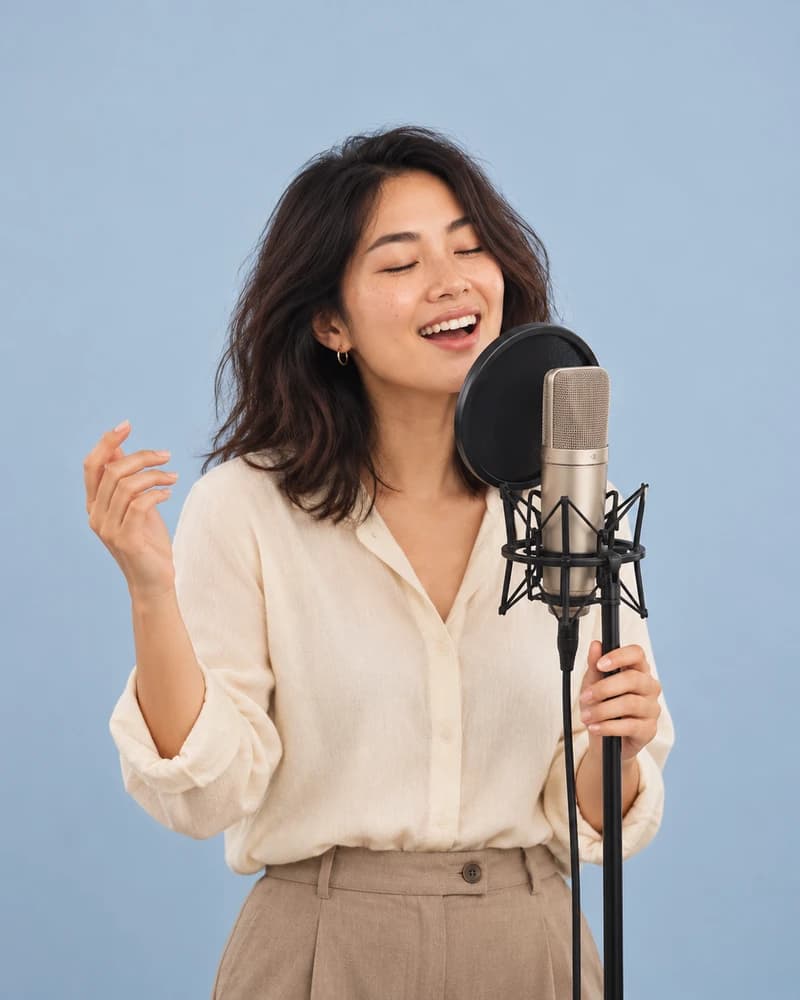
AI Audio Editor
Restyle or edit audio by prompt. Reshape a track by describing what you want. Turn a rough demo into a full genre piece, swap the vocal, or rework the arrangement.
Breme edits audio generatively: rework a vocal, cover a track in a new style, or transform recorded sound with a text instruction, using MiniMax Cover and Zeta Editing.
| Models | MiniMax Cover, Zeta Editing |
|---|---|
| Control | Text instruction |
| Input | Generated audio or your own uploads |
| History | Every version kept |
Three steps, no learning curve
Upload your audio.
Describe the change or new style.
Generate the edited track.
Common questions
What can the audio editor change?
Vocal style and delivery, musical arrangement, and the overall character of a track. Describe the target sound and the model reworks the audio toward it.
Can it cover a song in a different style?
Yes. MiniMax Cover re-performs a track in a new style while keeping its structure.
Is my original audio preserved?
Yes. Edits create new versions; the source track stays untouched.

AI Audio Editor, free to try
It lives inside Breme alongside every other feature, so you can make something and perfect it without leaving your project.