Turn a still into a moving shot
Animate an existing image, review the moving shot, and open its export options
To animate a still in Breme, open your project and choose Project canvas. Select an existing image frame and choose Use in video. The image becomes the starting-frame attachment in the Video composer. Describe the motion, choose a compatible model and its available settings, then press Generate. Play the completed clip in the app, then select its frame and open Export.
Before you start
- A Breme account and a project
- A completed image frame on Canvas
- Sufficient generation credits
Start with a still
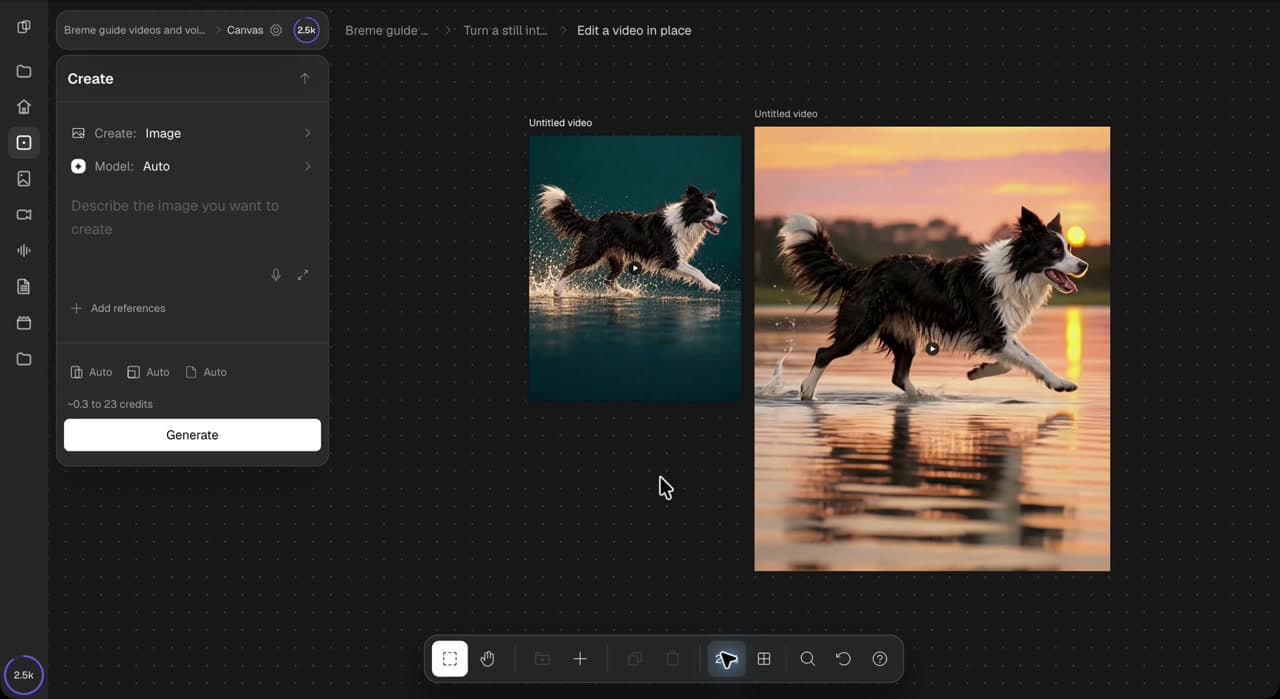
Open your project and choose Project canvas. Use an image already on the canvas, such as an uploaded photo or an image you created earlier. Choose a clear subject and simple composition. This walkthrough starts with a dog running through shallow water.
Attach the starting frame
Select the image and choose Use in video in its actions panel. The Create panel switches to Video and attaches the image as the starting frame. Check the thumbnail before continuing.
Describe the motion
Describe what should move and how the camera should behave. Here, the dog keeps running with gentle splashes and natural movement in its wet fur. Keep the camera steady and the action simple.
The dog continues running to the right through shallow water. Gentle splashes follow its paws, and its wet fur moves naturally. Keep the same dog, lighting, and background. Steady camera, one continuous five-second shot, no cuts, no text or logos.
Choose the model and settings
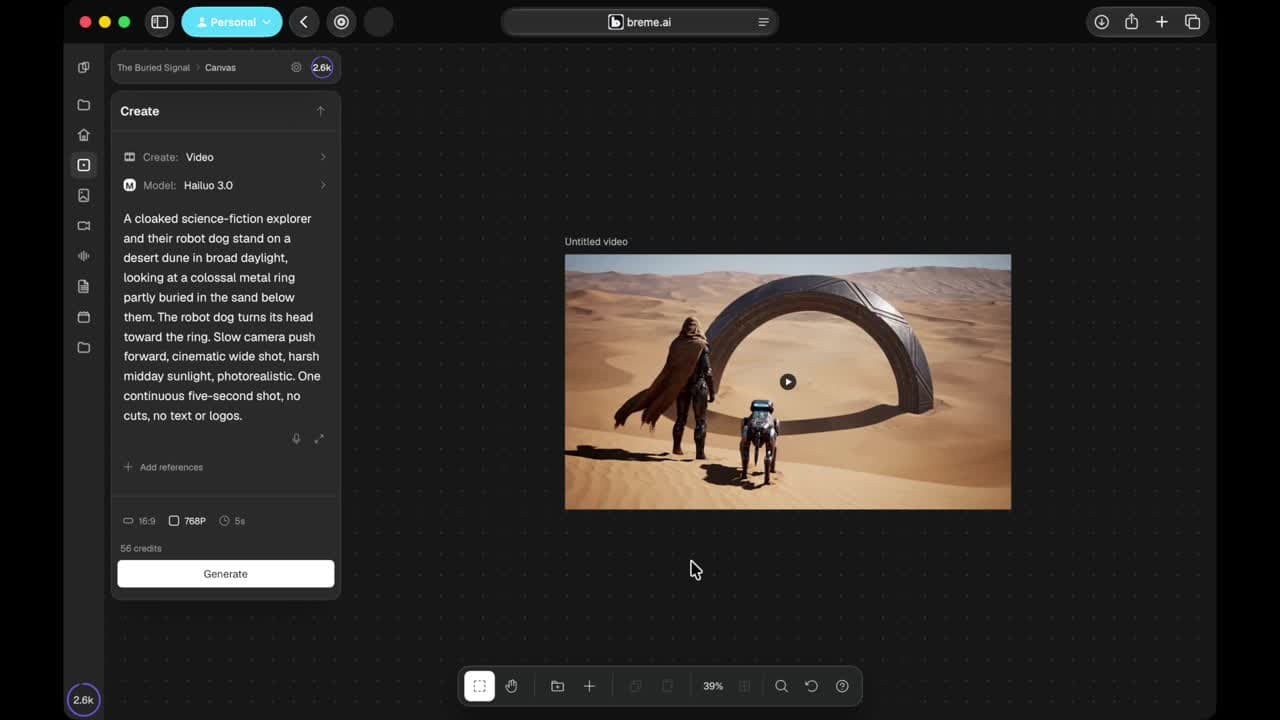
Choose Hailuo 3.0, 768P resolution, and a five-second duration to follow the video. With this starting image, the aspect ratio follows the supplied frame. Available settings depend on the model. Check the displayed credit cost before generating.
Generate and review
Press Generate. A pending video frame appears beside the still while the clip is created. The tutorial skips the wait. Play the completed clip in the app and check the dog’s legs, fur, and water for consistent movement. Refine the motion prompt if you need another version.
Review the export options
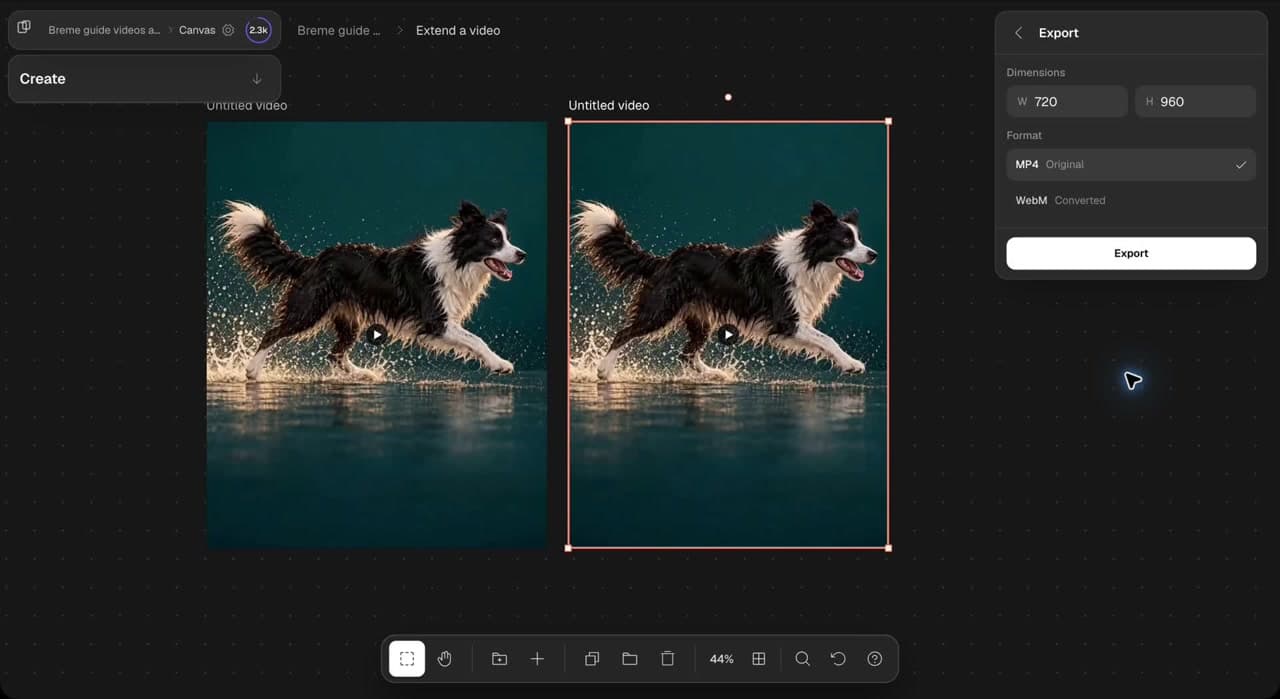
Select the completed video frame and choose Export in its actions panel. Review the dimensions and available formats. The walkthrough stops at this view. When you are ready to save the clip, choose a format and press Export.
Common questions
Features in this guide: AI Video Generator