Edit a video in place
Use an existing clip as the source for a new video edit on your canvas
To edit an existing video in Breme, open your project, choose Project canvas, select its completed video frame and choose Edit video. Describe the visual change, review the editing model and its available settings, then press Edit. Breme uses the selected clip as the source and adds the edited version as a new result, keeping the original available for comparison.
Before you start
- A completed video in a Breme project
- Sufficient credits and access to a compatible video editing model
Select the source clip
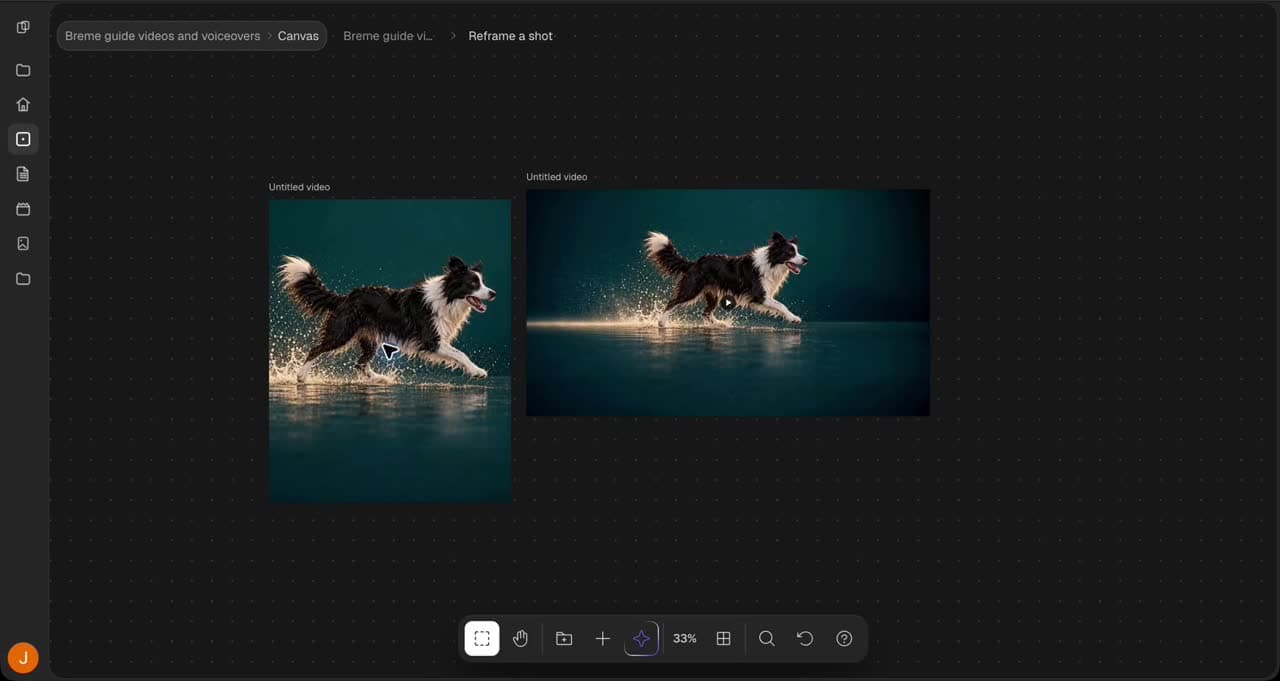
Open your project from the dashboard and choose Project canvas. Select a completed video frame. The walkthrough uses a five-second clip of a dog running through shallow water. In the frame actions panel, choose Edit video. The selected clip appears as the source in the editing panel.
Describe the edit
Write one clear visual change and name the details you want to preserve. In this example, ask for a warm sunset background while preserving the dog, its running motion, the shallow water and splashes, and the camera framing.
Change the background to a warm sunset. Preserve the same dog, its running motion, shallow water and splashes, and the camera framing. One continuous shot, no cuts, text, or logos.
Review the model and submit
Choose Kling O1 to follow the walkthrough and leave the audio set to Keep original sound. Review the attached source and displayed credit cost, then press Edit. A pending result appears on the canvas while the edited clip is created. Other editing models have different settings and input limits, so review the controls whenever you change models.
Compare the new result
When the edited result completes, play the full clip in the app and compare it with the original. Check the sunset background, the dog’s appearance and movement, the water, and the camera framing. If the change needs refinement, adjust the prompt before making another version. The generation wait is trimmed in the walkthrough.
Review the export options
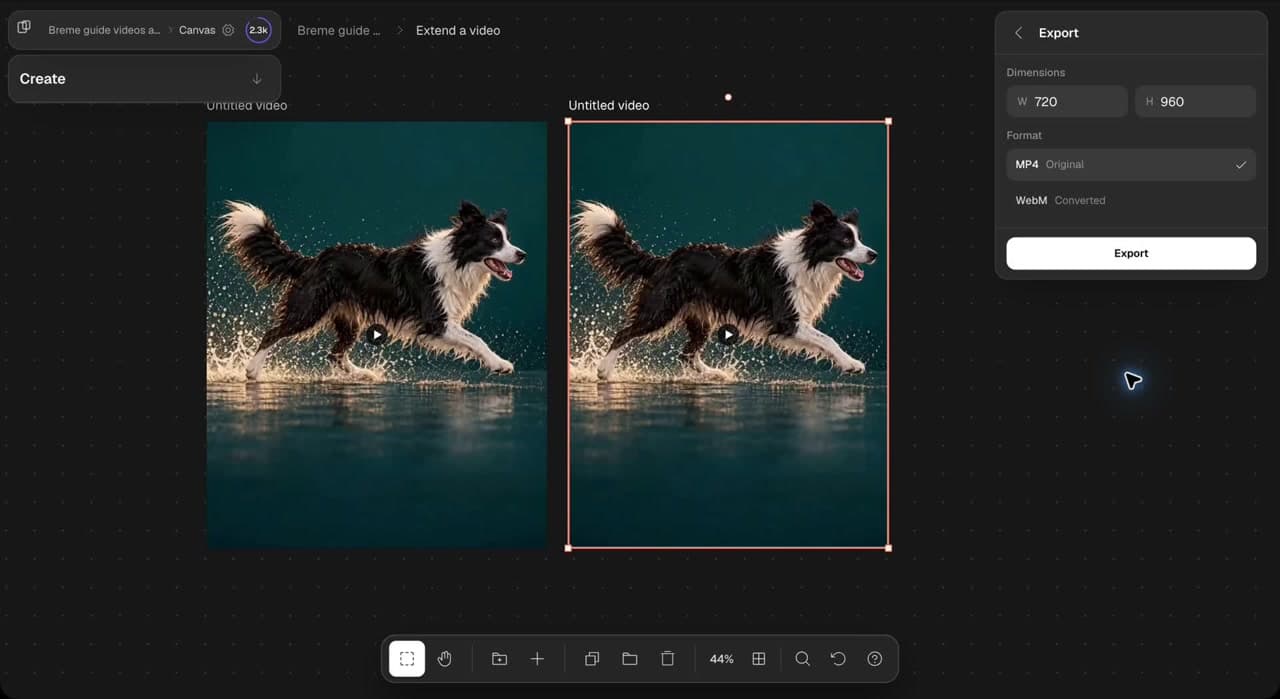
Select the edited result and choose Export from its actions panel. Review the dimensions and available formats. The walkthrough stops at Export view. When you are ready to save your clip, choose a format and press Export. Your original remains available alongside the edited version.
Common questions
Features in this guide: AI Video Editor