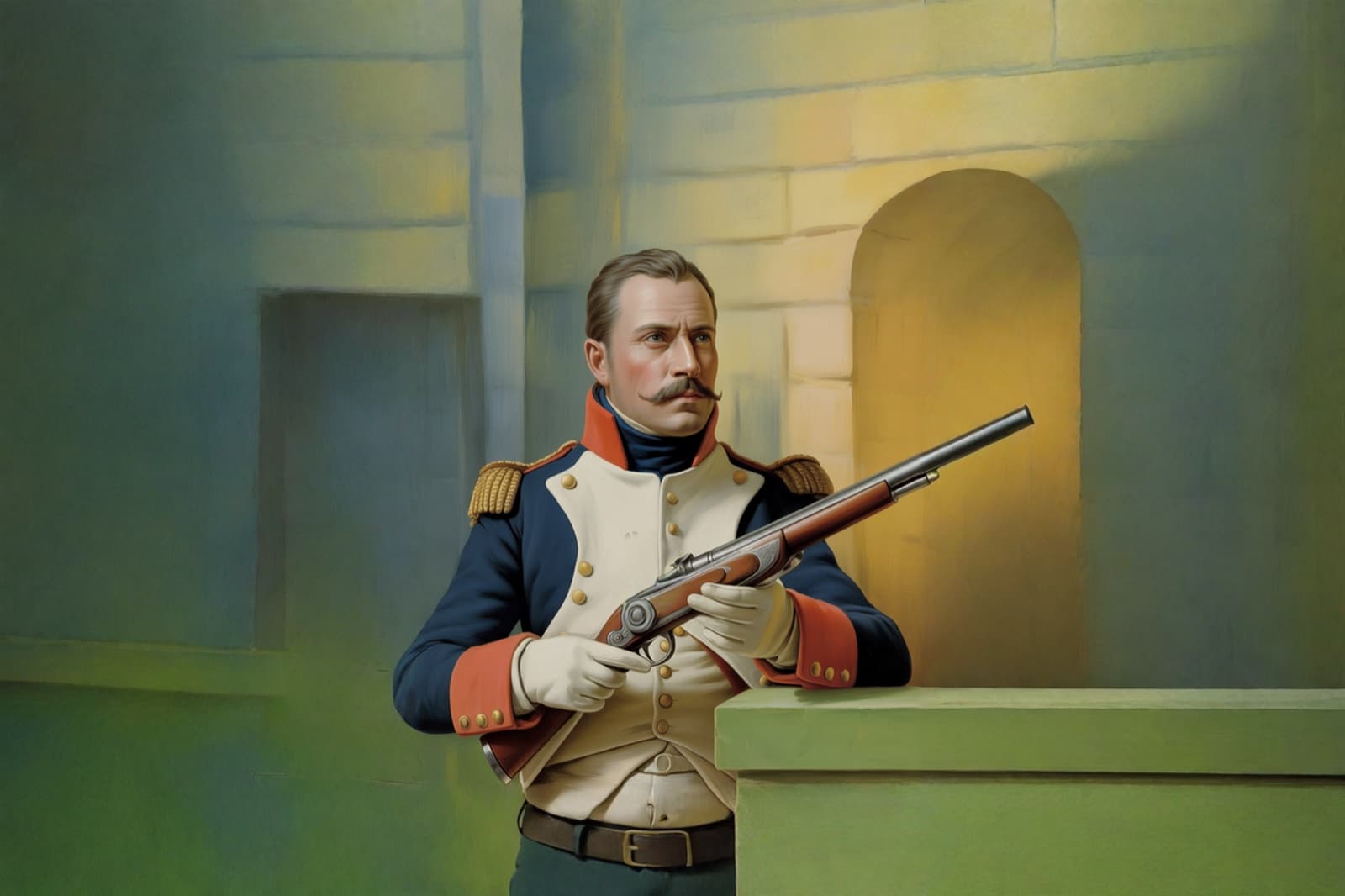
Expand & Uncrop
Extend the frame beyond its edges. Grow an image past its borders into a wider frame or a new aspect ratio. The new margins match the original so well you forget where it ended.
Breme extends an image beyond its original frame, generating new surroundings that match the scene. Pick any of nine target aspect ratios, from 2:3 portrait to 16:9 widescreen, and the image grows to fill it.
| Model | Bria Expand |
|---|---|
| Target ratios | 1:1, 2:3, 3:2, 3:4, 4:3, 4:5, 5:4, 9:16, 16:9 |
| Fill | New surroundings generated to match lighting and content |
| Input | Generated images or your own uploads |
Three steps, no learning curve
Pick the target frame or aspect ratio.
The new margins are painted in.
Download the expanded image.
Step-by-step guides
Common questions
What can I use expand for?
Uncropping a tight shot, converting a portrait frame to widescreen, making room for text in a layout, or recovering headroom a crop removed. The scene extends in whichever directions the new ratio needs.
Does the original part of the image change?
No. Your original pixels stay where they are; generation happens only in the new area around them.
Which aspect ratios can I expand to?
Nine targets: 1:1, 2:3, 3:2, 3:4, 4:3, 4:5, 5:4, 9:16, and 16:9.

Expand & Uncrop, free to try
It lives inside Breme alongside every other feature, so you can make something and perfect it without leaving your project.