A brand spot, end to end
Take a short script through coverage, references, and generated shots, then assemble the final spot
To build a brand spot with Breme, create a production in Filmmaking and start with a script. Review its scenes, breakdown, and shotlist during intake, then generate images and video takes for the shots. Use linked reusable references to guide recurring subjects. For downloadable footage, generate clips in Canvas using the approved shot prompts and references, then export them with your music and assemble the final cut in a video editor.
Before you start
- A Breme account and a project
- A short screenplay
- Sufficient credits and access to the generation tools you choose
- A video editor for the final cut and sound mix
Create a production from your script
Open Filmmaking in your project. If a production is already open, use its title menu, open Productions, and choose New production. Name the new production, choose Script under Start with, set the aspect ratio and shot numbering, then press Create production. Paste your screenplay into the intake Source field or choose a script file, then press Begin.
For the coastal car example, write separate scene headings and action lines for the road, cabin, and driver shots before starting intake.
Review the intake stages
Review the source in Preview, generate and review the scenes, then choose Generate breakdown. Check the recurring characters, props, and settings before choosing Generate shotlist. Edit the proposed shots as needed, then press Finish intake to enter the production workspace.
Build the recurring references
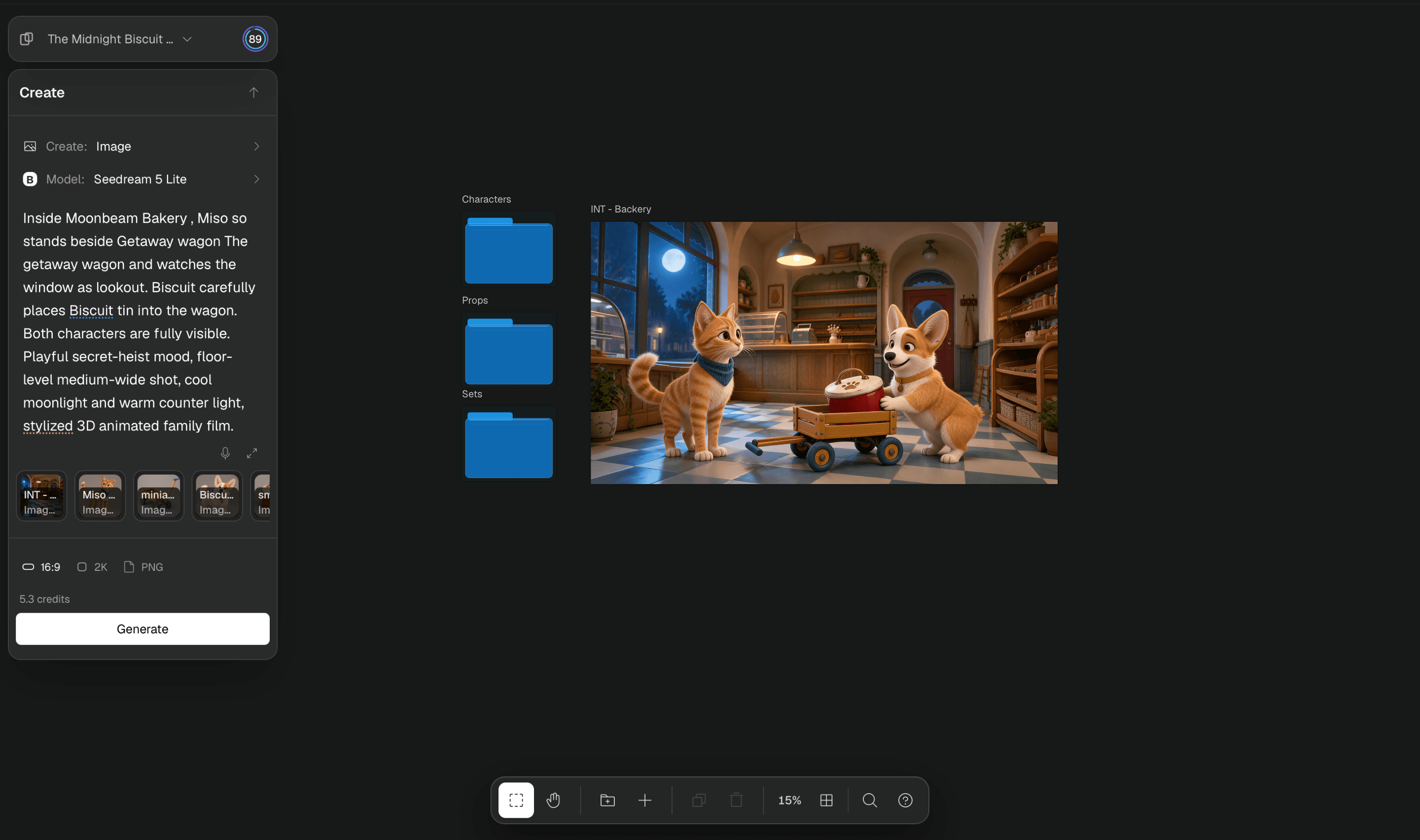
Select a recurring reference in the production canvas and generate an image for it in Create. Reference generation creates a linked reusable element folder when needed. You can also link a breakdown item to an existing element. Prepare clear images of your hero product, cast, and setting before generating their shots.
Build a production bible explains how reusable references work in Canvas. A reference guides a model toward the same identity; inspect the output for changes.
Generate the board images
Select a shot in the production canvas or Storyboard. In Create, choose Image, review the prompt and attached references, select a model and settings, then press Generate image. Repeat for the shots you need and review the images together in Storyboard.




Generate and review the takes
Select a shot and choose Video in Create. Check the source image or references, describe the motion, choose the available duration and model settings, then press Generate take. Preview the completed take and generate another version if the performance or framing needs work.
Export and assemble the spot
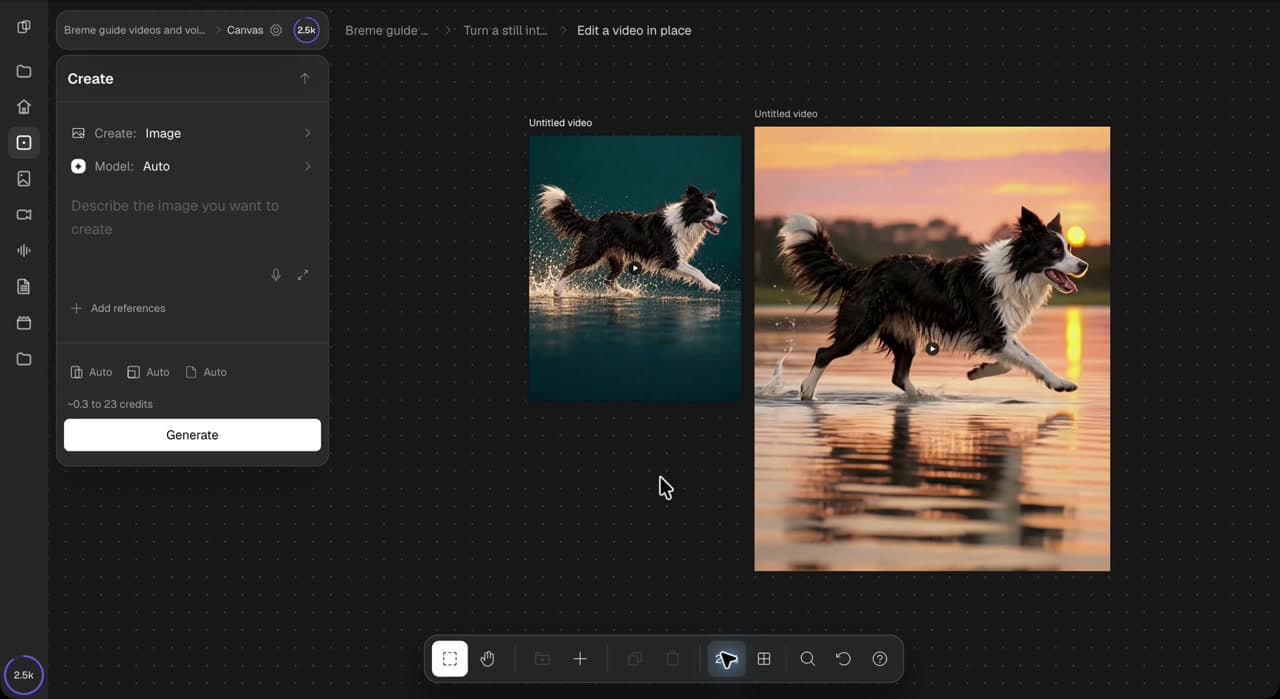
Production take previews currently have no direct download action and are not automatically added to the main Canvas. For a downloadable cut, open Canvas in the same project and generate your delivery clips there using the approved shot prompts and reusable references. Select each completed video frame and choose Export. Generate and export music with the Audio composer, then arrange the files in your video editor. Use the Storyboard export menu for the board or presentation materials.
Score and finish a clip covers preparing and exporting a soundtrack for the final edit.
Common questions
Features in this guide: AI Shot List Generator, AI Storyboard Generator, Script to Video